
Free AI website builder
Talk your website into existence.
Chat with our Star AI builder in plain words — tell it about your business, watch your starter site appear live, and refine it just by asking. Free, no sign-up.
Star AI Builder
Talk it through — I build as we chat
The Star AI builder is taking a short break. The quick form builds the same free starter site:
Free starter-site preview — no sign-up. A real person finishes what the AI starts.
Your starter site will appear here
Chat with the Star AI builder — tell it about your business in plain words.
Building your starter site…
Writing your homepage from the conversation.
Your starter site is ready — here's what to do next
Three steps take it from this preview to a live website.
-
Save it to your free account
Keep this starter as an editable project in your StarReach workspace. Enter your email and we'll send a one-time sign-in link — no password needed.
-
Get a hosting plan, then publish
Publishing needs a hosting plan. Open your dashboard's Plan tab to start one, then publish your site to yourname.starreach.ca.
See hosting plans -
Use your own domain
Search, buy, and connect a custom domain to your published site.
Search domains
Other ways to get your site online
Download it
Get a complete single-page website package — files, setup guide, yours to keep. From C$39.
See packagesMake it a full website
We turn your starter into a complete 5-page website — designed, written, and launched for you.
Have us build itKeep it fresh
A care plan keeps your site updated, backed up, and improving month after month. From C$129/mo.
See care plans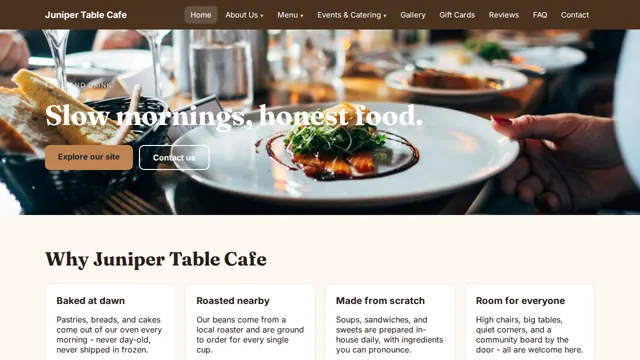
New — App Studio
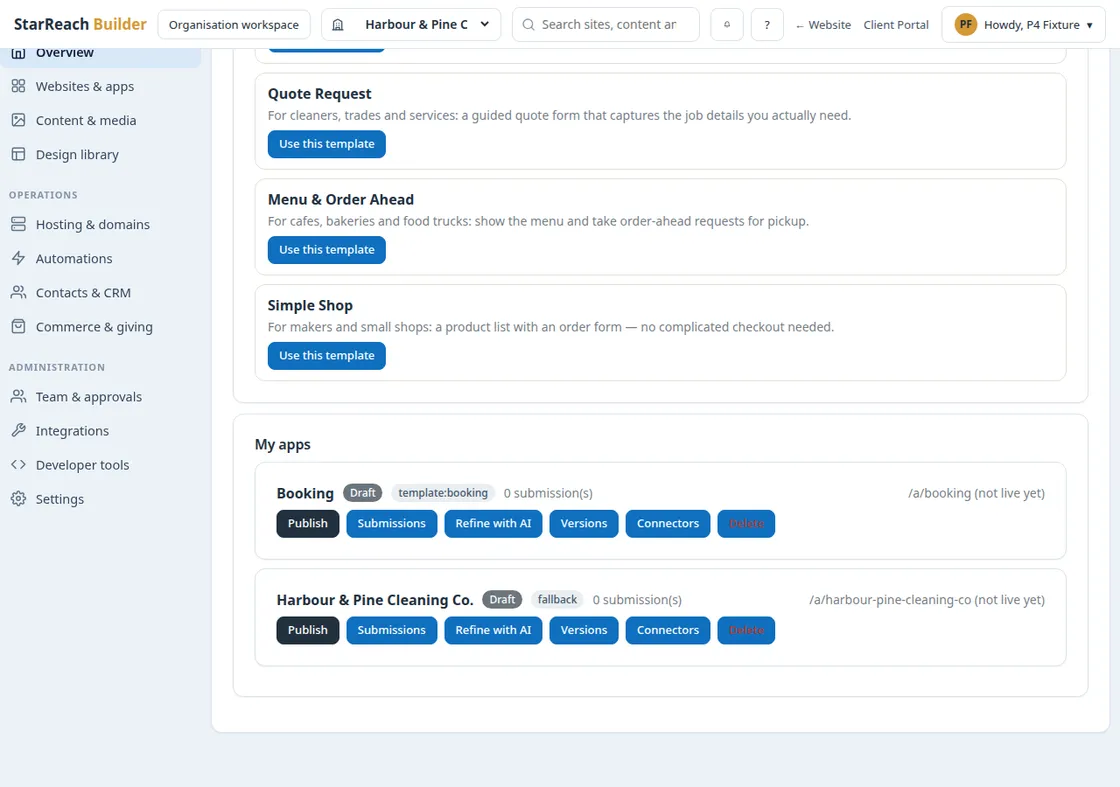
Now build apps, too.
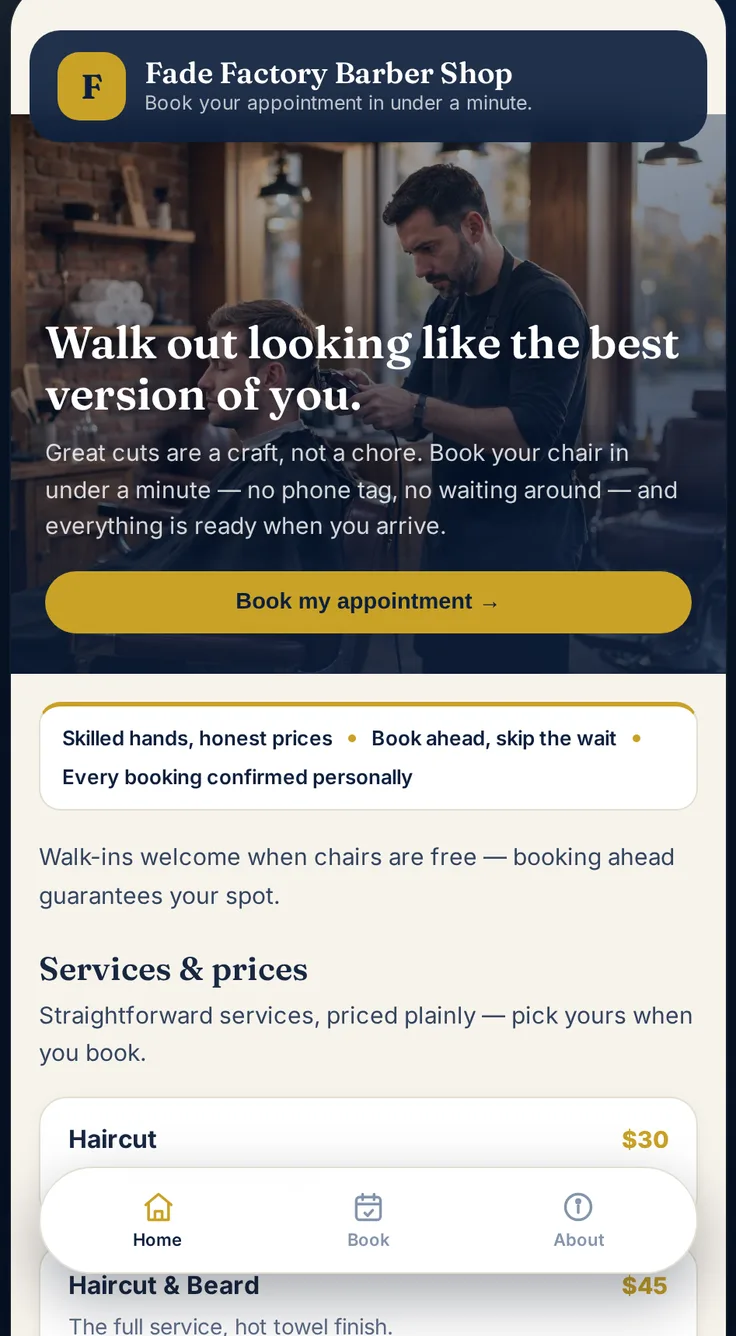
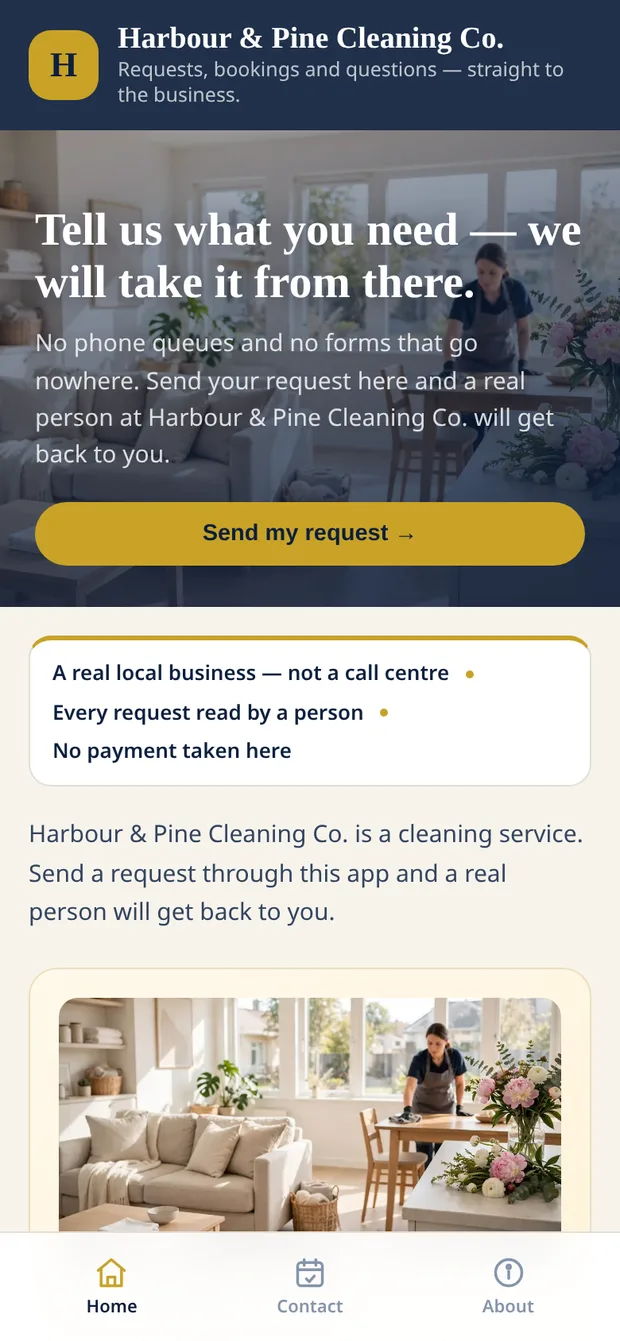
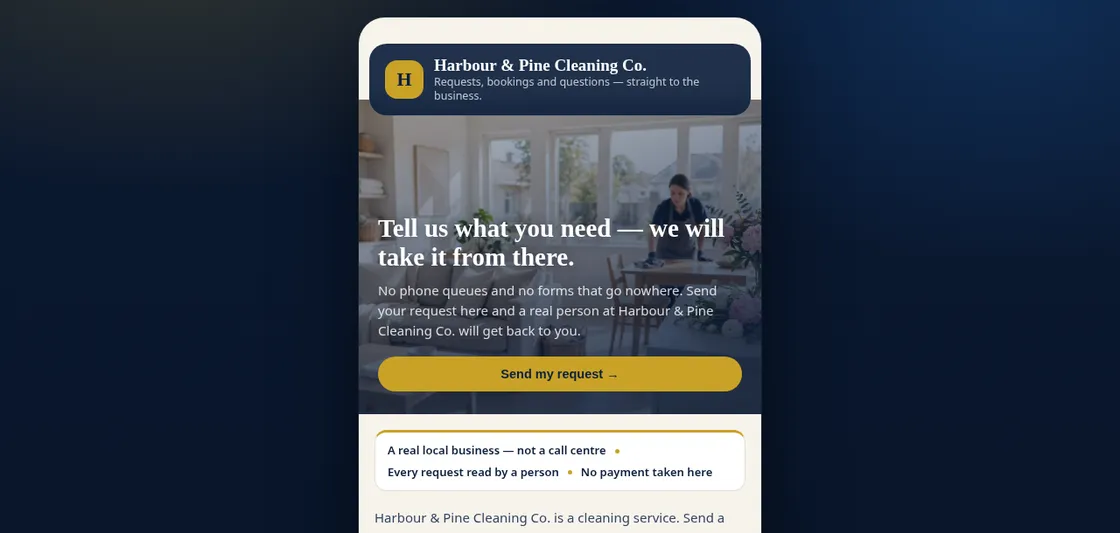
Inside the Builder you will find App Studio: describe an app in plain words — a booking app, a quote form, an order-ahead menu — and StarReach builds a real working web app on your own link. Bookings and orders land in your inbox.
How it works
Just talk. It builds.
There is no form to fill in — you chat with the Star AI builder in plain words, and your starter site appears live next to the conversation.
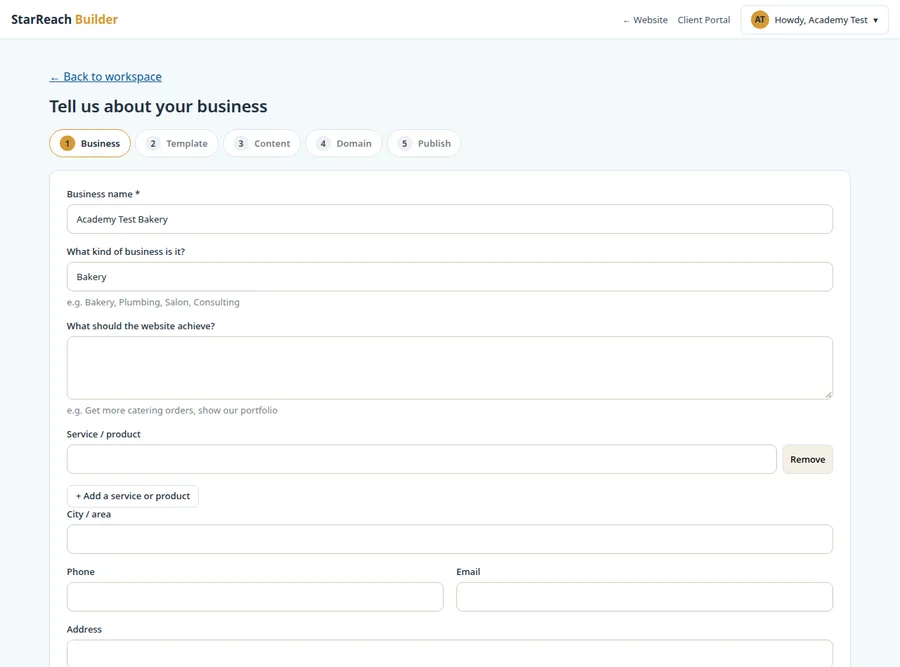
Tell it about your business
Chat in plain words. The AI asks what it needs — your name, what you do, the vibe you want.
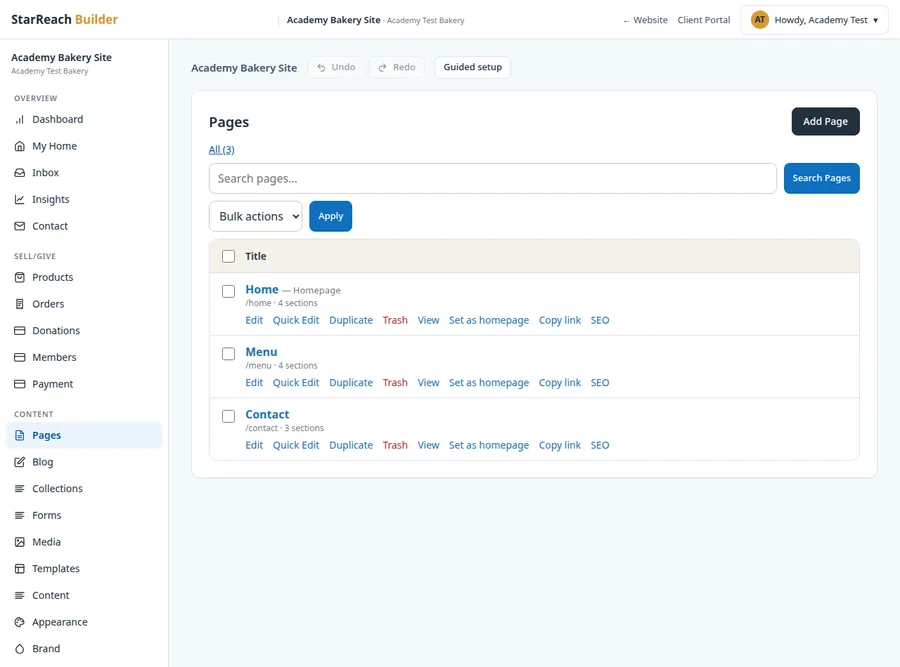
Watch it build
Your starter site appears live beside the chat — headline, services, and about copy written for you.
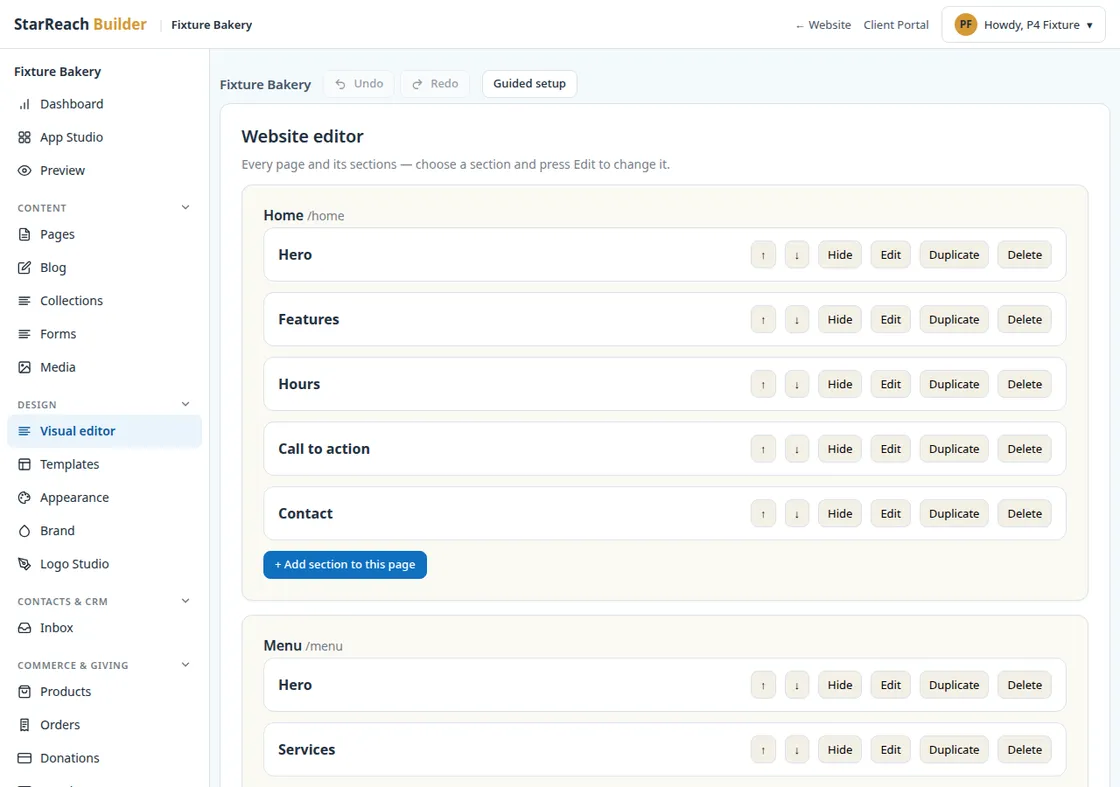
Make it yours
Ask for changes in plain words, download a package, or have our team turn it into a complete website.
Website sizes, in plain language
What does a "5-page website" actually mean?
A page is one screen with one job - one service, one program, one story, one way to reach you. Pages are how visitors, and Google, find each thing you do. The right number depends on how much you have to say. Here is the honest guide.
3-page site - the essentials
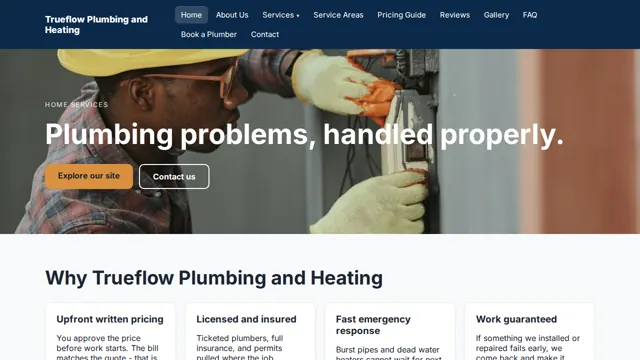
Home, About, Contact. Everything a new business needs to look established and get found: who you are, what you do, how to reach you. Best for a tradesperson, a small shop, or a professional practice - anyone whose customers mainly need to find them and call.
5-page site - room to explain
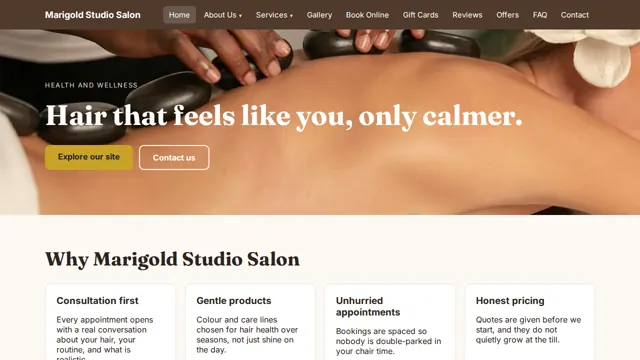
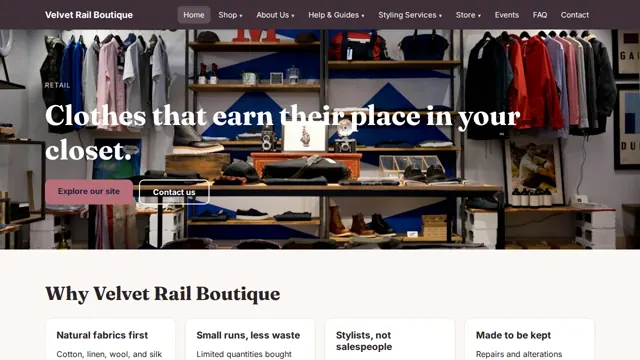
Home, About, Services, Gallery or Stories, Contact. Each service gets its own space, and photos or stories build trust before the first call. Best for most small businesses - cafes, salons, clinics, consultants - with several services worth explaining properly.
Multi-page site - built like an organization
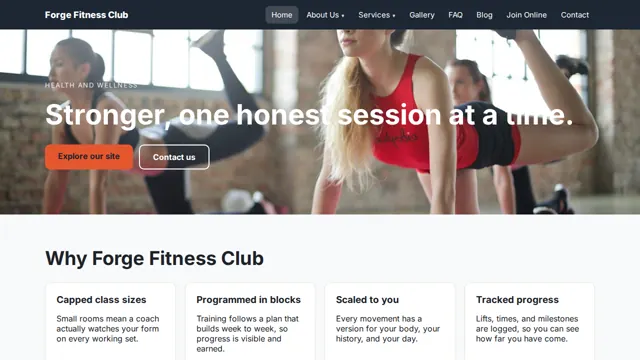
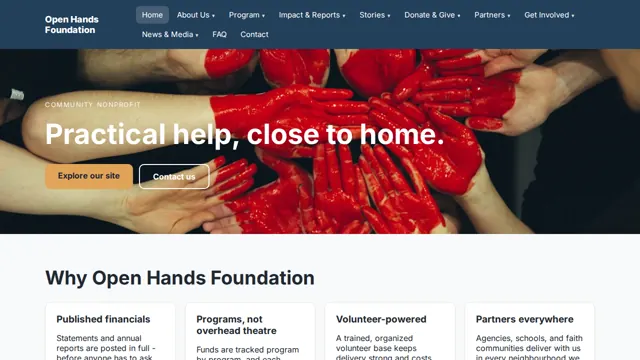
Seven pages and up - to 75 and beyond. Every program, service, location, or cause gets its own page, organized in menus with submenus so nothing gets lost. Best for nonprofits, charities, schools, clinics, and growing companies with a lot to organize. Our Builder's AI can generate the first 10 pages for you automatically - bigger sites are planned with our team. See real 15- to 75-page examples.
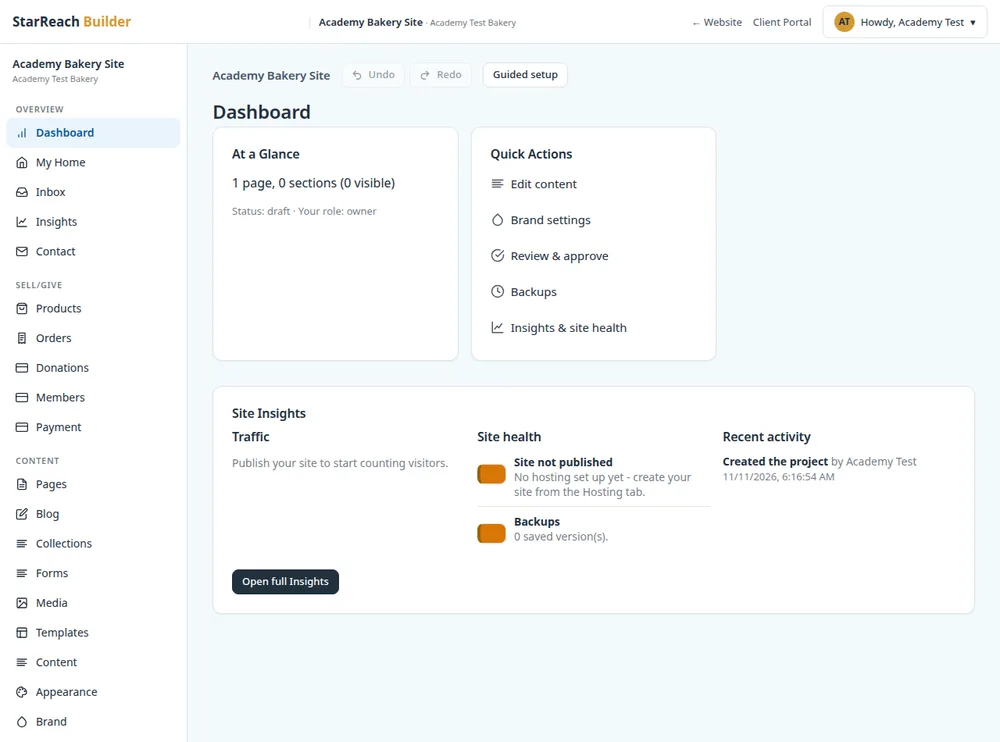
Not sure which size you need? Browse the templates first - every size is there with live previews, and each template has a “Have us build it” option that sends the project straight to us.
Planning a site with more than 7 pages?
Tell us about it here. You can start smaller if you like - the Builder's AI generates sites of up to 10 pages on its own. But for a site bigger than that, or one that needs a person's planning, this form is the way in: Edi reads every submission himself and replies with a structure, a plan, and a quote. No obligation, and no pressure.
Prefer email? Write to hello@starreach.ca - a real person answers.
Questions
Before you start

What if I don't have a business name yet?
Start with our free Business Name Generator — describe the business, get name ideas, and see which .ca and .com domains are still available.
Is the starter site really free?
Yes. The preview is free with no sign-up. If you want the downloadable files, those are our website packages (from C$39). If you want us to build the full website for you, that's a separate quote — always in plain language, always before any work starts.
What can I ask the builder to change?
Almost anything about the words — headlines, services, tone, length. Just ask in plain words, like "make the headline punchier". For the look, tap a style chip anytime to switch between four professional styles.
How many pages will my website have?
The starter preview here is one page - the essentials in one place. Inside the Website Builder, the AI generates a complete multi-page site from your answers - up to 10 pages, within your plan's page limit - and you can add or remove pages anytime. As a guide: a 3-page site covers Home, About, and Contact; a 5-page site adds Services and a Gallery or Stories page; and a multi-page site gives every program, service, or location its own page. See the plain-language guide and the bigger-project form.
Who owns the website?
You do. Anything you download or we build for you is yours — the files, the words, the design.
What happens after I get my starter?
Three good options: download a package and publish it yourself, ask us to turn it into a complete multi-page website, or put it on a care plan so it stays updated and backed up.