Website Builder
Client Portal
Start a project

Free tools

Three tools. No account. Real answers.

A name for the business, a verdict on that suspicious message, a first logo — the three things every new business needs in its first week, built as working tools you can use right now. They’re free, they ask for no email address, and every screenshot on this page is a real capture of the tools running, taken the day this hub opened.

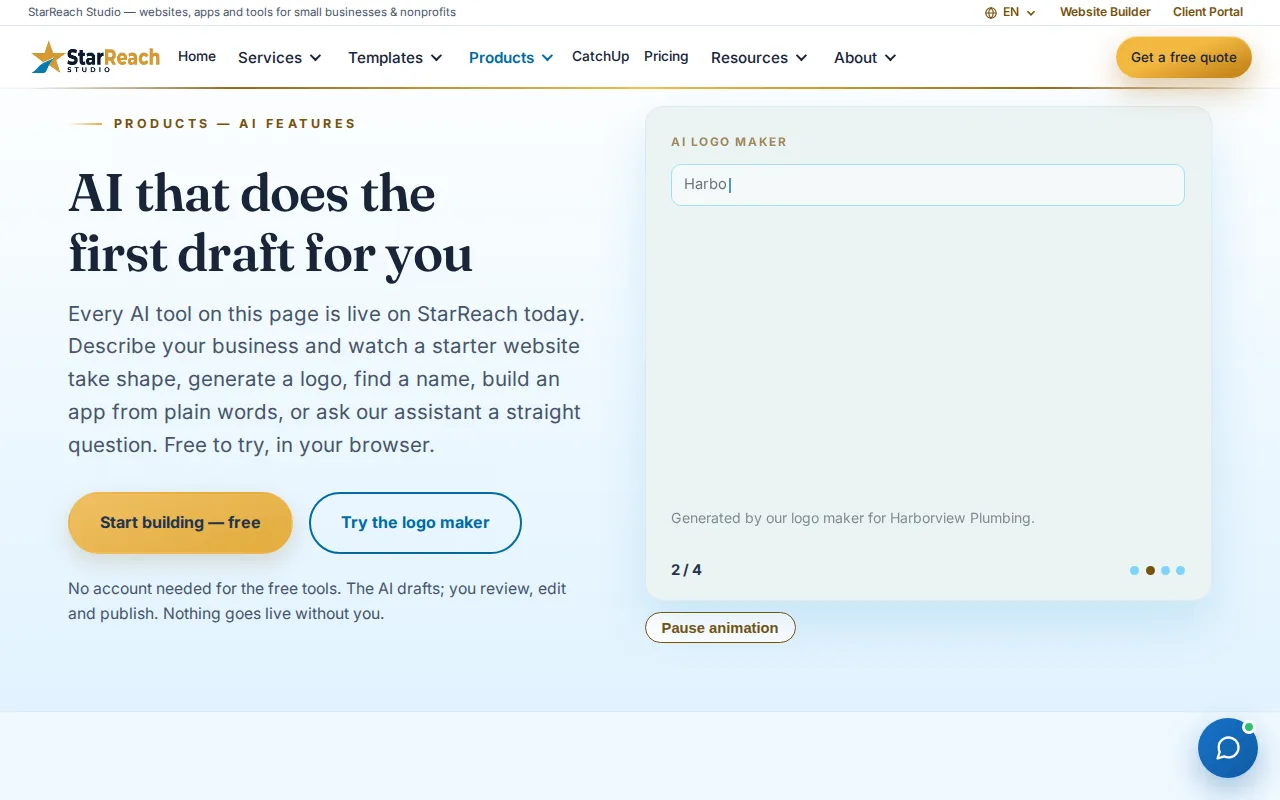
StarReach's AI and app products page
The tools are held to the same standard as everything else we ship — working software first, marketing second.

Start anywhere

Which tool first?

There’s no wrong order, but there’s usually a right first step for where you are. Pick your situation and we’ll point at the card — the guide only highlights; all three tools stay right here either way.
Where are you right now?

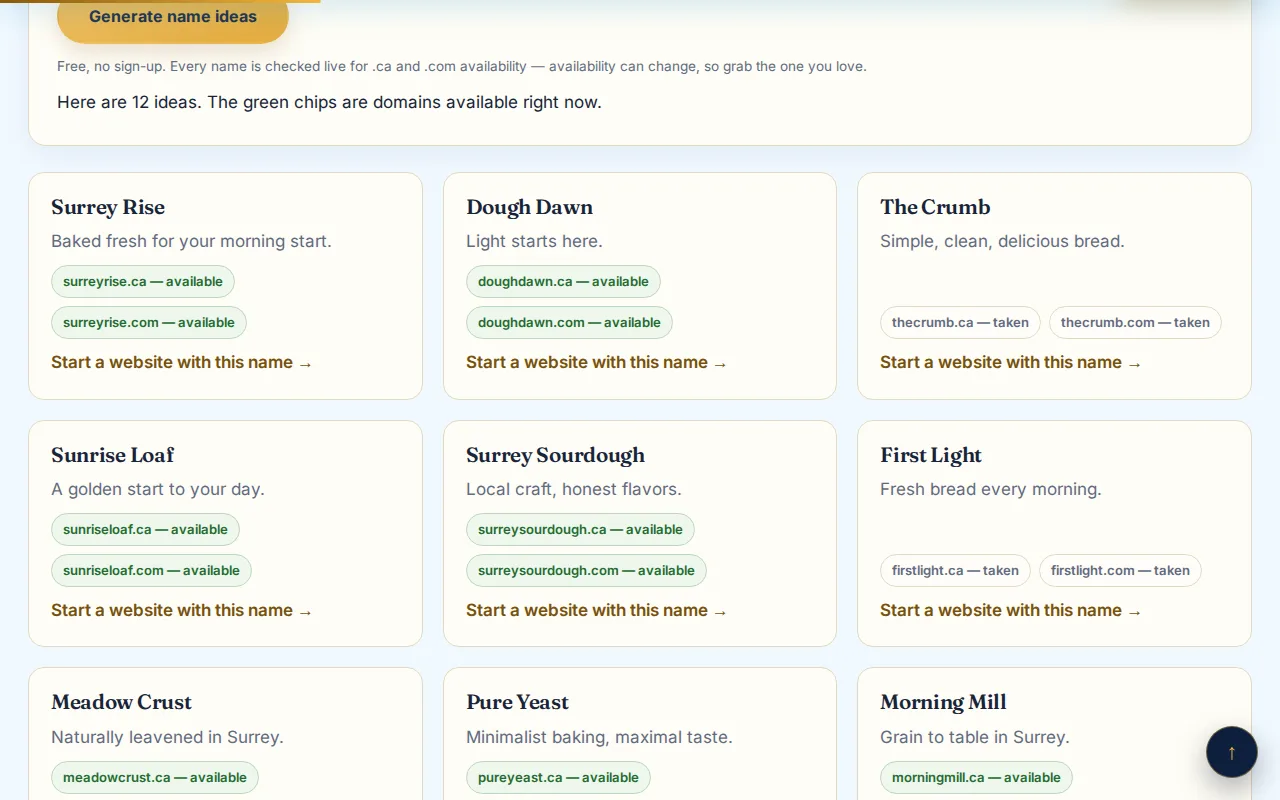
Name generator results: twelve ideas with live domain availability

Free tool · About half a minute

Business name generator

Answer four short questions — what the business does, a few keywords, where, and a style — and get twelve name ideas back. Every idea is checked live, on the spot, for a matching .ca and .com domain, so the name you fall for is a name you can actually own. The capture above is a real run: a Surrey sourdough bakery, twelve ideas, green chips where the domains were free.

Generate name ideas
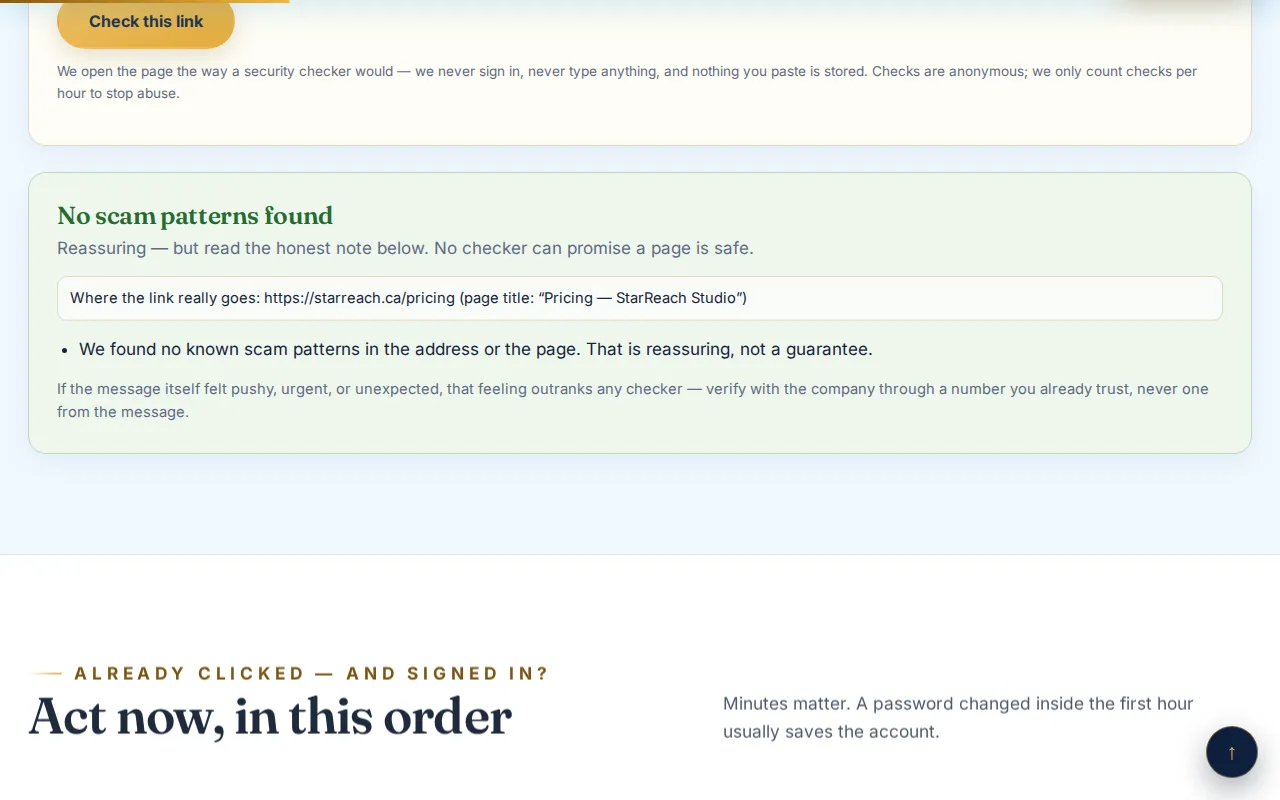
Scam check verdict on a real link

Free tool · A few seconds

Scam check

Got a text, email, or message asking you to sign in, book, pay, or “verify” something? Paste the link — or the whole message — before you click anything in it. The check follows the link to where it really goes and gives you a verdict in plain words: what it found, and what to do next. It never asks for a password, and you should never paste one.

Check a link
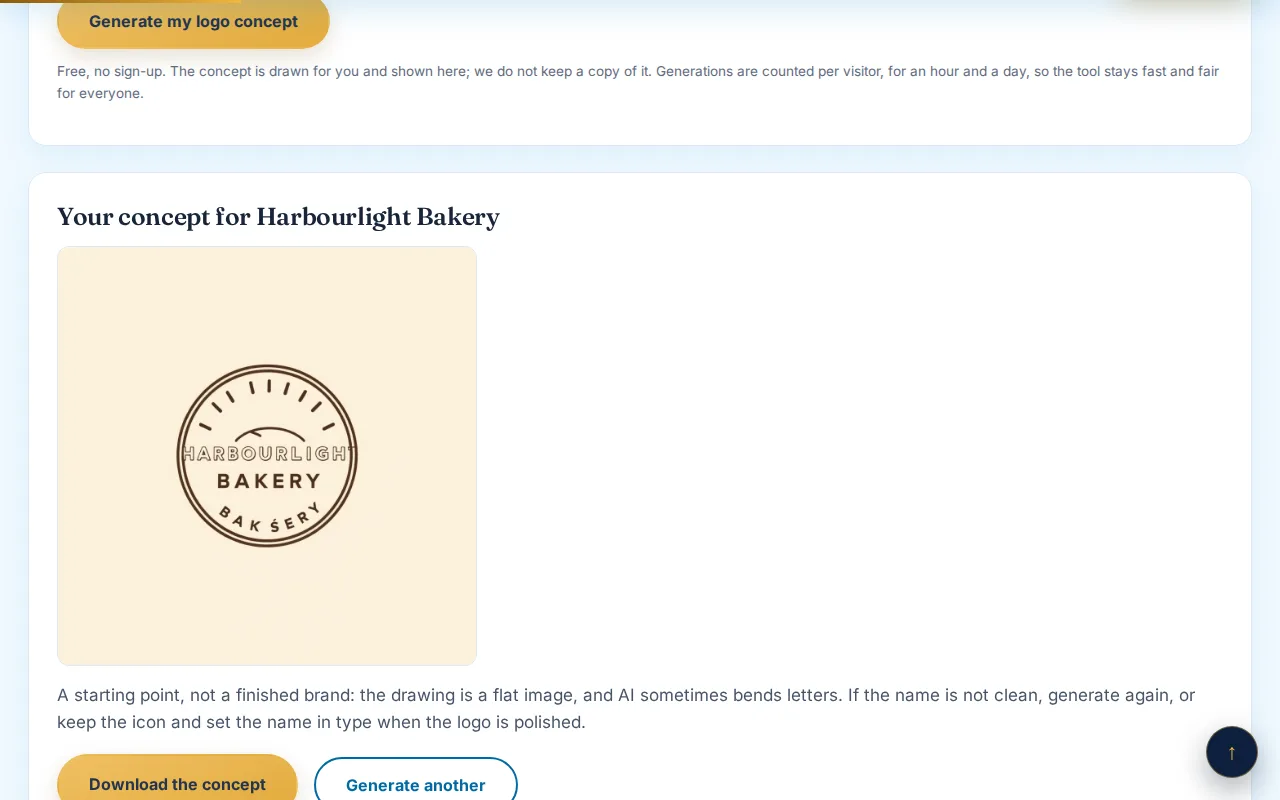
A generated logo from the logo maker

Free tool · About a minute

Logo maker

Describe the business in a sentence, pick a style, and get a first logo back — downloadable as PNG or SVG, yours to use. It won’t replace a designer for a final brand, and the tool page says so itself; what it does is give a brand-new business something honest to put on the door today instead of a blank space.

Make a logo

How they work

What happens when you press the button

Each tool explains itself fully on its own page; this is the short, honest version — including what’s logged, because a free tool should be as straight about its data as about its price.

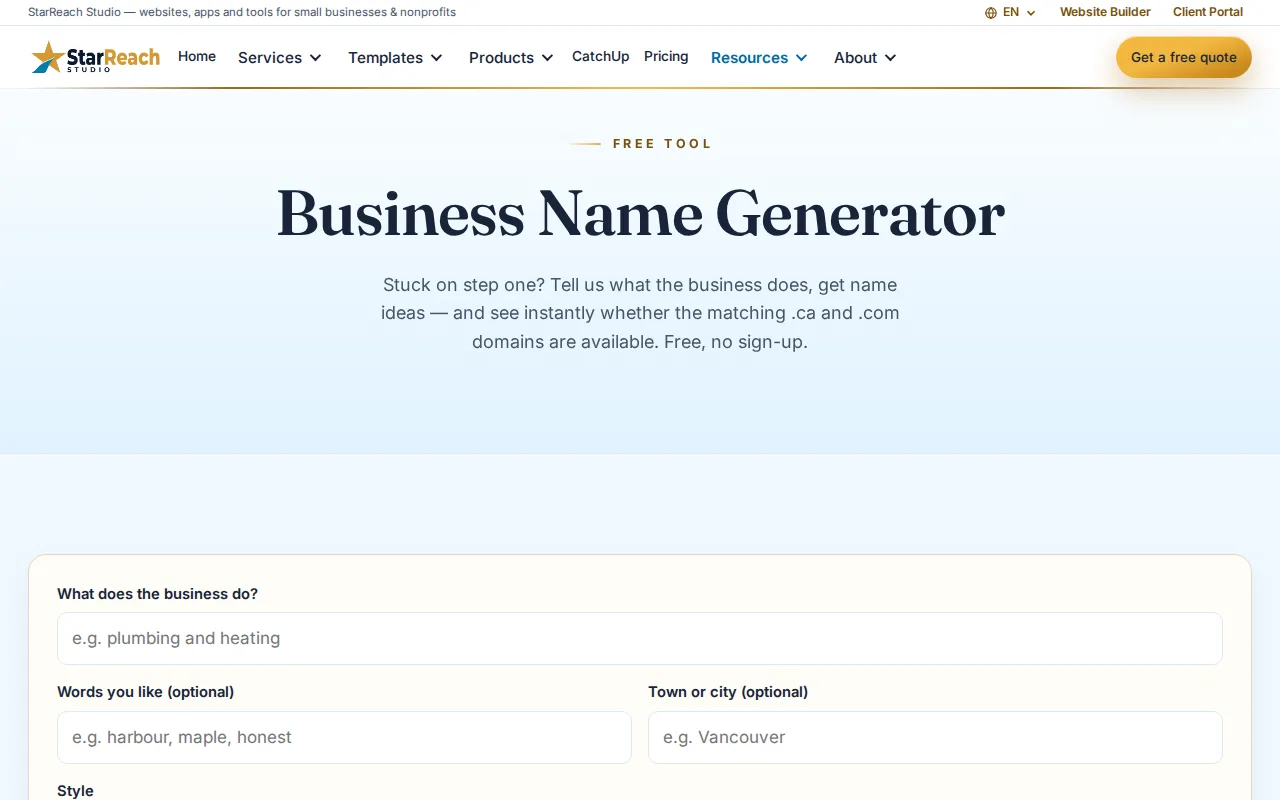
The name generator form at rest
Names: your answers go to an AI that drafts the twelve ideas, then each name’s .ca and .com are checked live. If the AI is ever unavailable, the tool falls back to pattern-based suggestions built from your own keywords — same format, still domain-checked. To keep a free tool fair, a rate-limit log keeps your IP and what the business does, and stops the tool after ten generations in an hour.
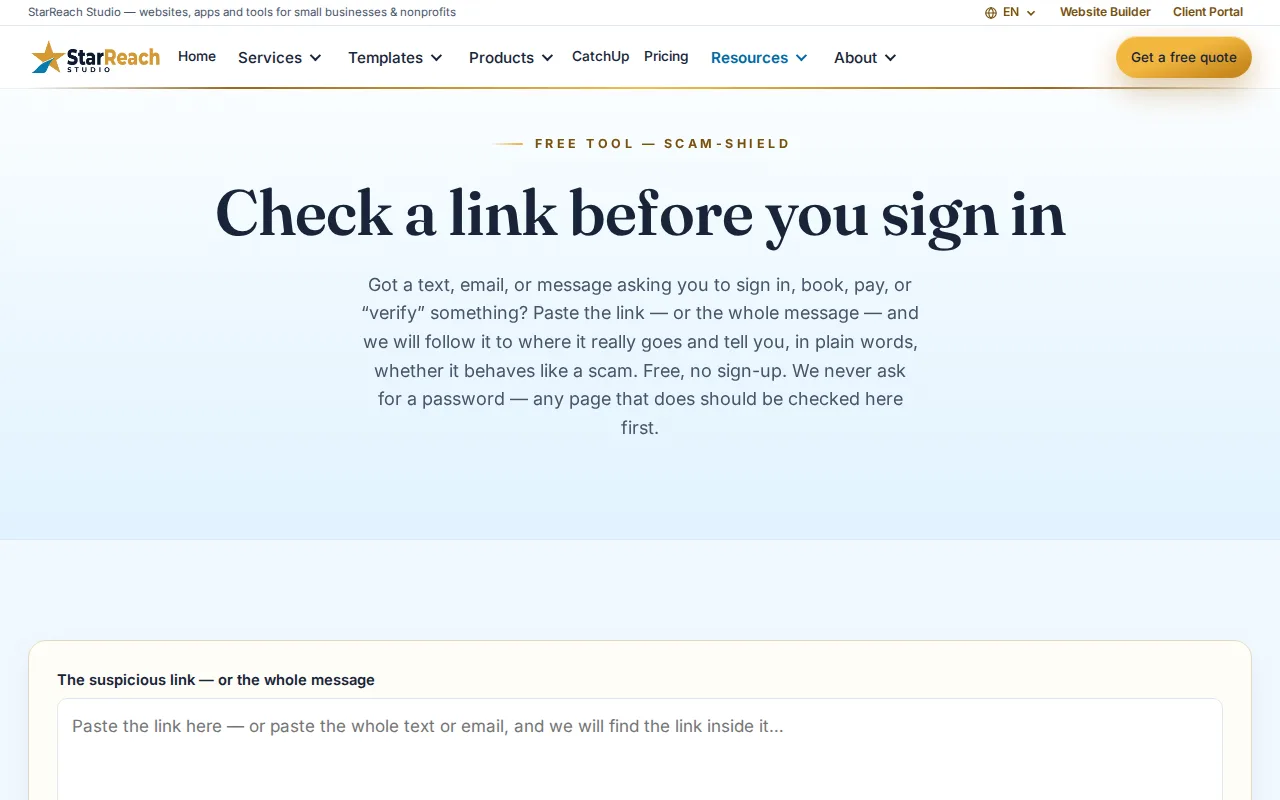
The scam check form at rest
Scam check: the link is fetched on our server — never on your device — and followed through its redirects to its real destination, which is then weighed against what scammers actually do. Checks are anonymous and what you paste isn’t stored; only a count is kept, capped at twenty checks an hour.
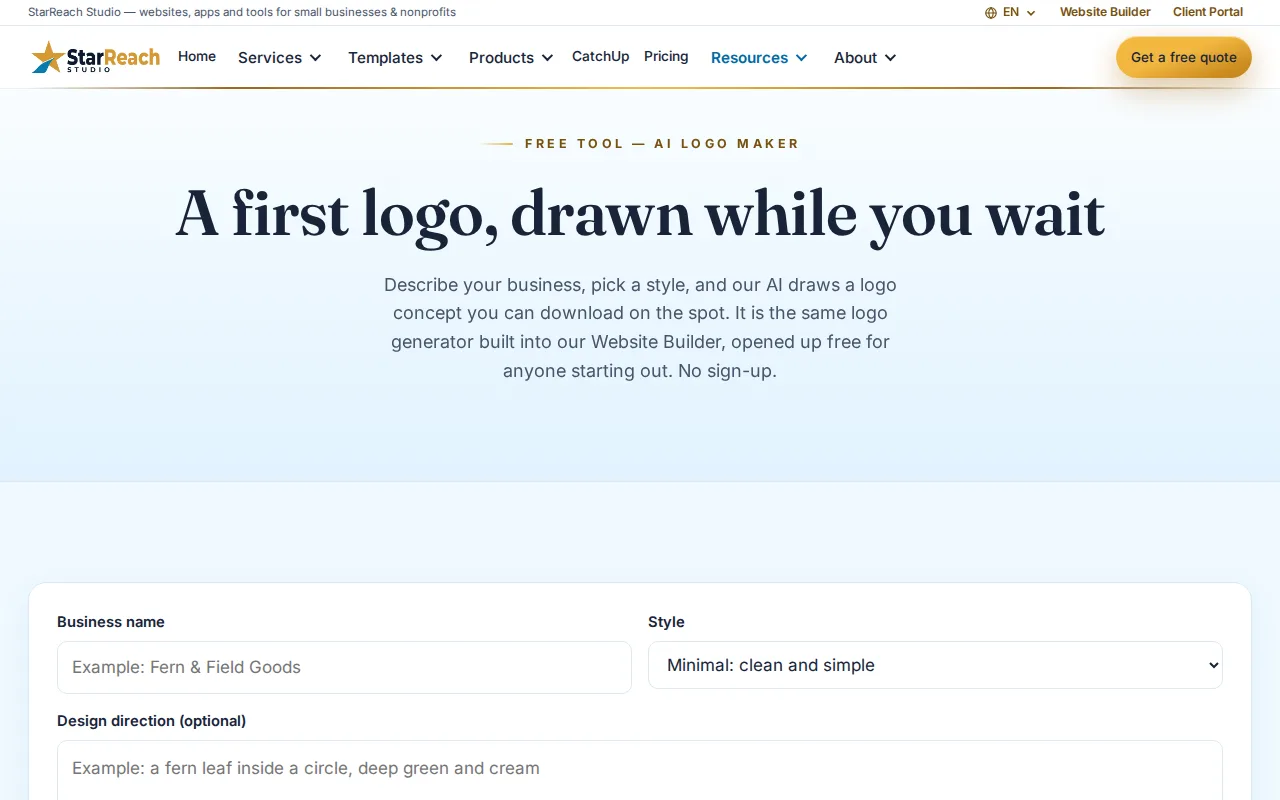
The logo maker form at rest
Logos: your description and style go to the image model, and the result comes back as a downloadable PNG or SVG. The tool asks for no account and no email, and the rate-limit count is the only record it keeps. What you make is yours — the tool page is plain that a generated logo is a starting point, not a finished brand.

Fair use, in the open

Why the tools have hourly caps

Each tool stops after a set number of runs in an hour — ten name generations, twenty scam checks, five logo tries (and fifteen logos a day). The caps aren’t a funnel: there is no account, tier, or payment that raises them, and we don’t want your email in exchange for more. They exist because every run costs real computing — an AI call, live domain lookups, a fetched page — and a free tool with no limits doesn’t stay free for long; it gets scraped, slows down, and dies. The caps keep all three tools fast for the next person with a business to name, a message to check, or a door that needs a logo today. Hit one and the tool tells you plainly; the hour turns over and it’s open again.

After the tools

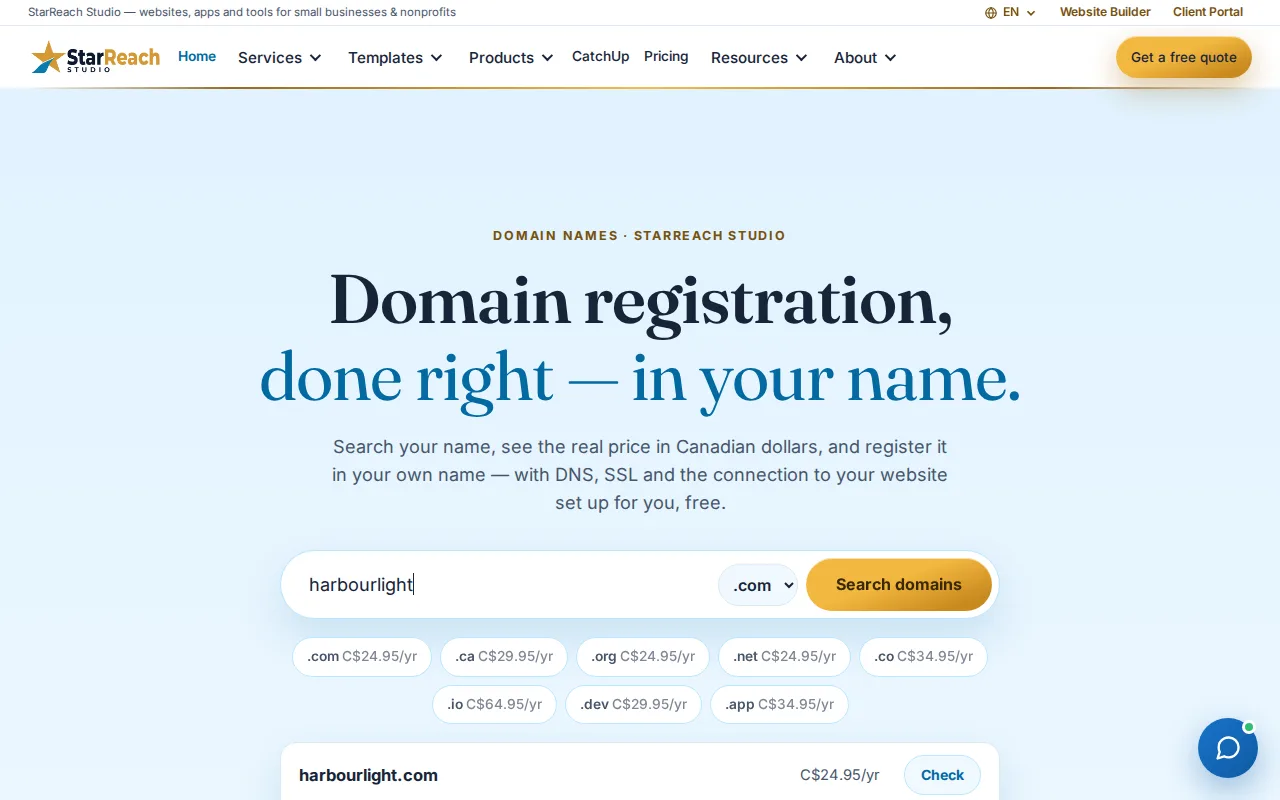
A name wants a home

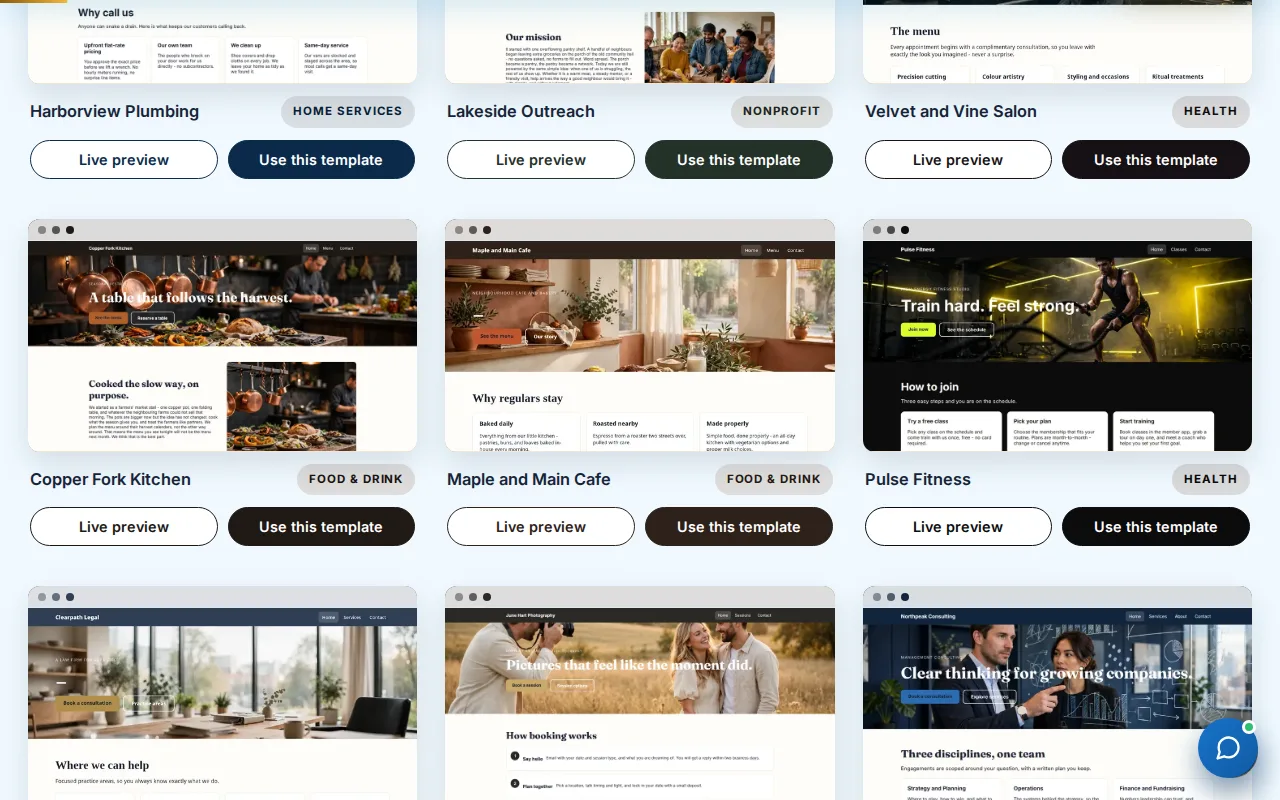
The tools finish three small jobs. The natural next steps are all here too: claim the domain while it’s free, start the site from a template or have it built for you, and keep the Academy’s lessons nearby for everything after. Every figure below is a real page on this site, captured this week.

Name, logo, and a link you can trust

That’s a business’s first week, handled. The website is the second week — and it starts free.

Email address copied