
StarReach Academy
Learn to build and manage
your website — short videos, zero jargon.
Twelve bite-sized lessons, each under four minutes. One task per video, written steps under every lesson, and a full transcript for good measure. This is everything you need to run your website with confidence.
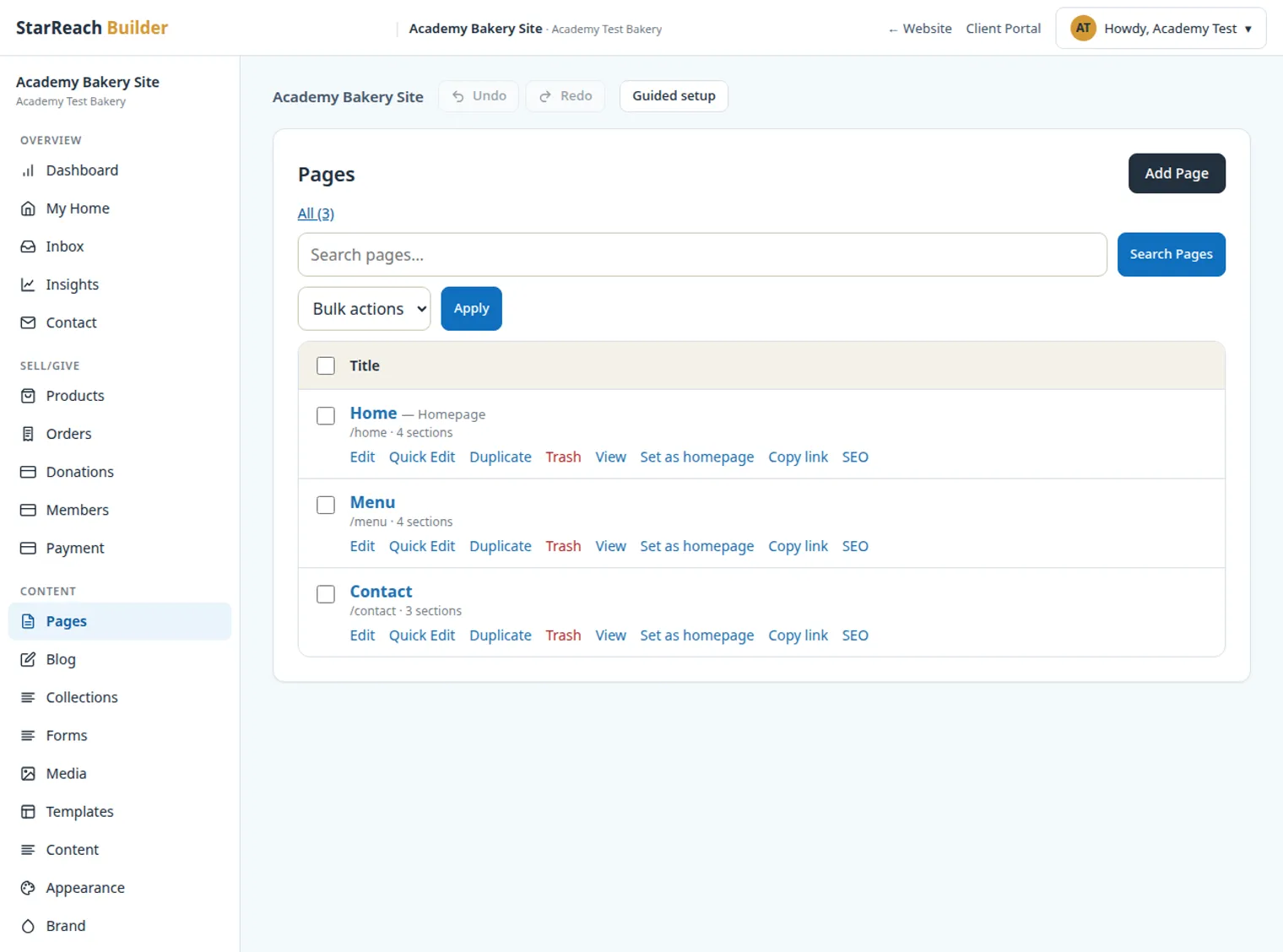
Website Builder
6 lessonsBuild your site with confidence — from first sign-in to published and branded.
 Start here
Lesson 1
2:16Beginner
Your first 5 minutes in the Builder
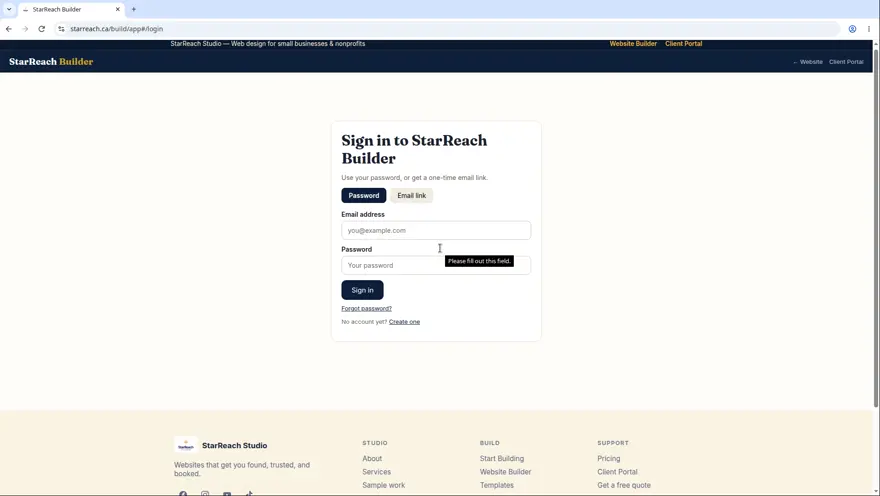
Sign in, meet your dashboard, create your first project, and learn where everything lives in the workspace.
Watch lesson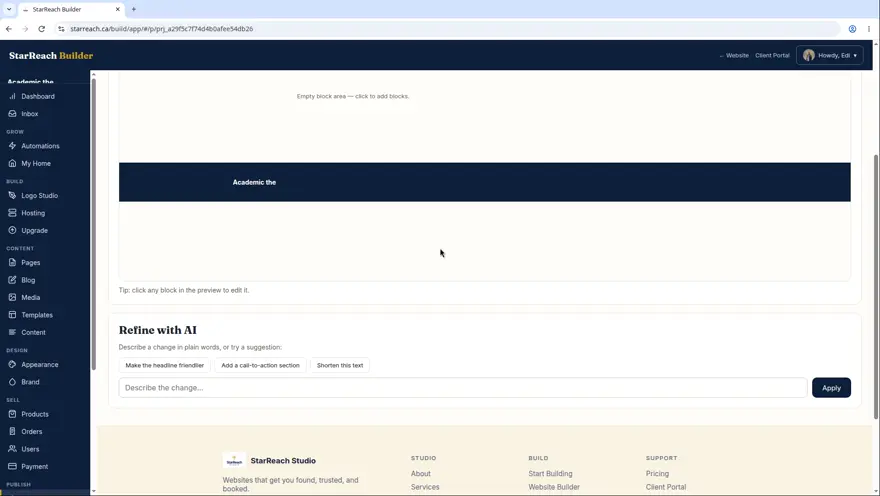 Lesson 2
1:36Beginner
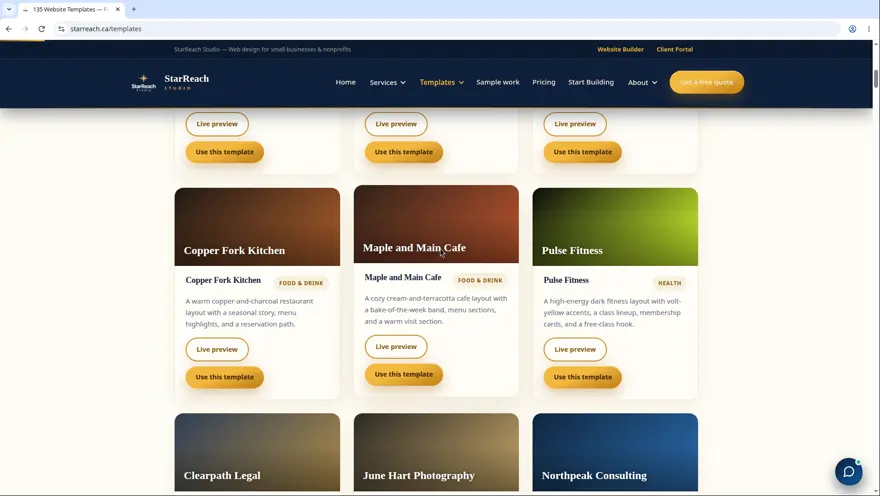
Draft vs published: how going live works
The one mental model that makes everything else click: your private draft, the preview, and what the world actually sees.
Watch lesson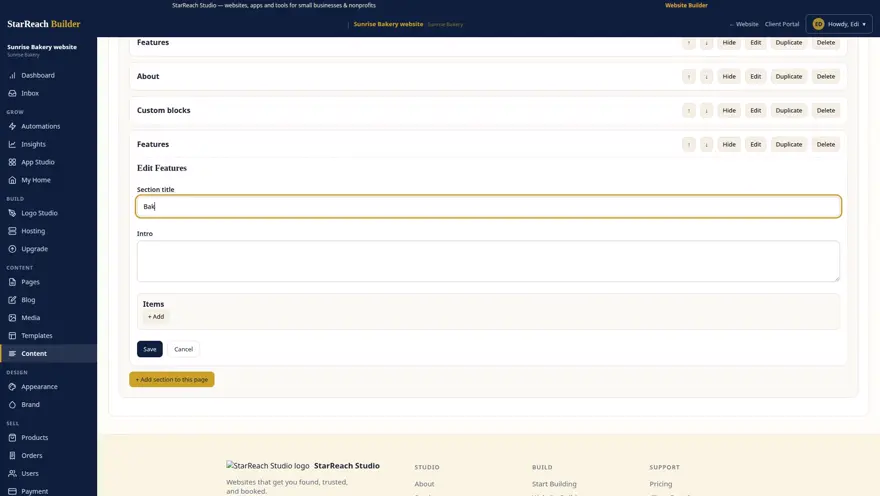 Lesson 3
1:25Beginner
Building with sections
Sections are the building blocks of every page. Add them, edit them, reorder them, delete them.
Watch lesson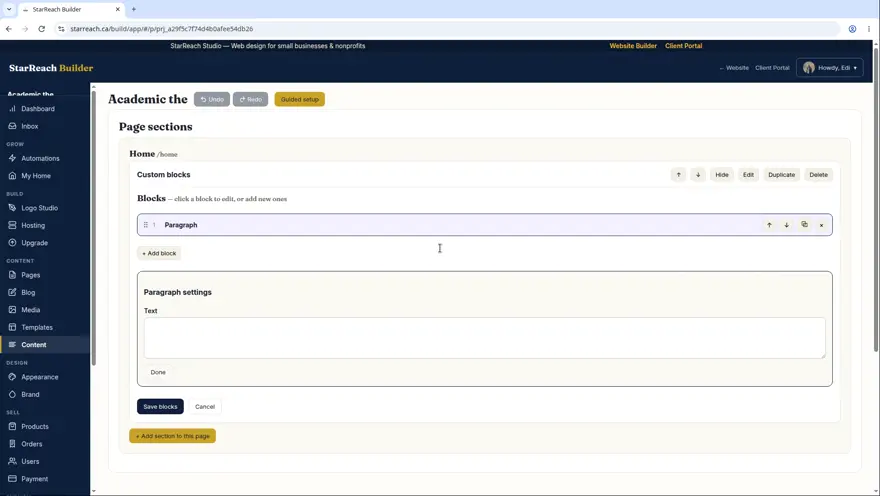 Lesson 4
~3.5 minIntermediate
Custom blocks: drag, drop, reorder
The WordPress-style block editor: 12 block types, click-to-edit, and true drag-and-drop reordering with the grip handle.
Watch lesson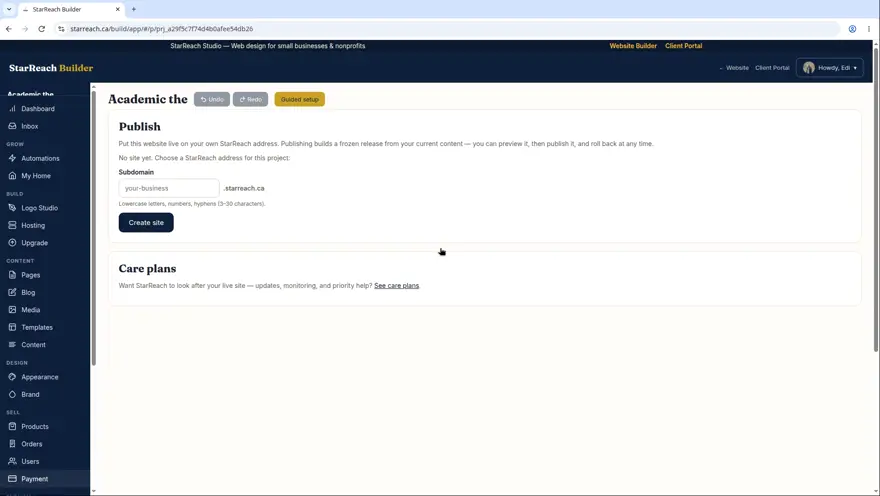 Lesson 5
~3 minBeginner
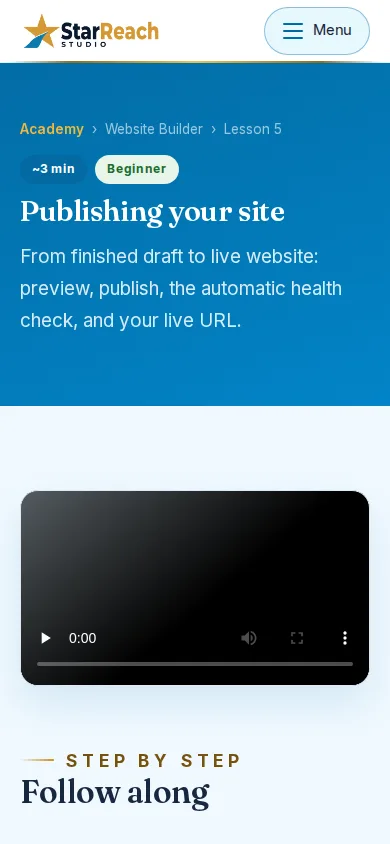
Publishing your site
From finished draft to live website: preview, publish, the automatic health check, and your live URL.
Watch lesson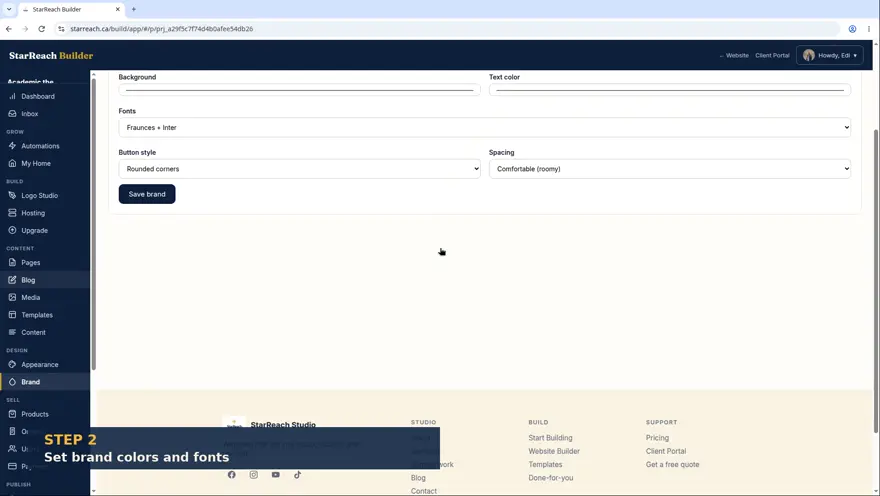 Lesson 6
~3 minIntermediate
Images and brand controls
Uploading photos, using the media library, and making the whole site look like you with brand colors, fonts, and your logo.
Watch lessonClient Portal
4 lessonsYour front desk for the website: request changes, track progress, stay current.
 Start here
Lesson 7
~2.5 minBeginner
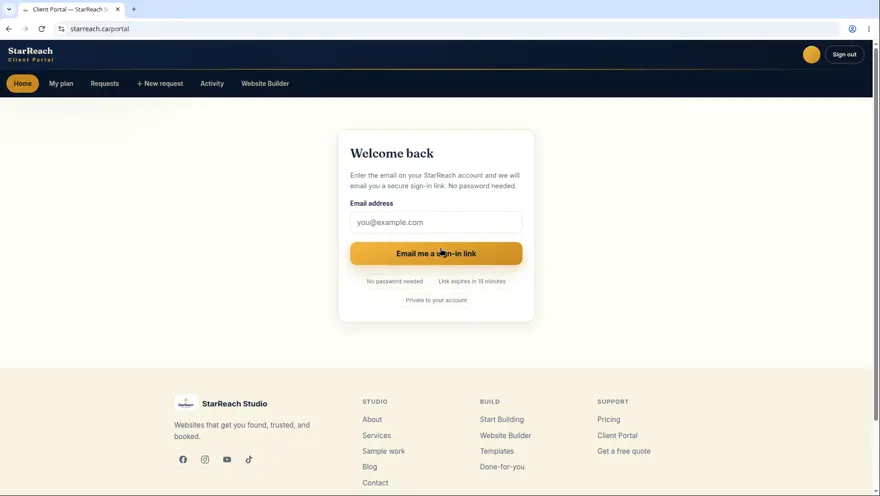
Welcome to your Client Portal
Sign in with a magic link, tour the dashboard, and see everything you can do in one place.
Watch lesson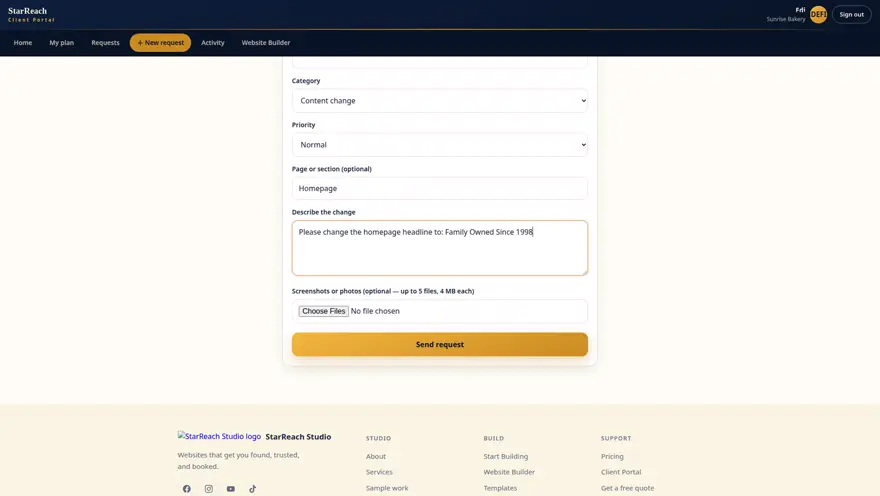 Lesson 8
~3 minBeginner
Requesting changes to your site
Submit a change request in plain words, know what happens next, and track it to done.
Watch lesson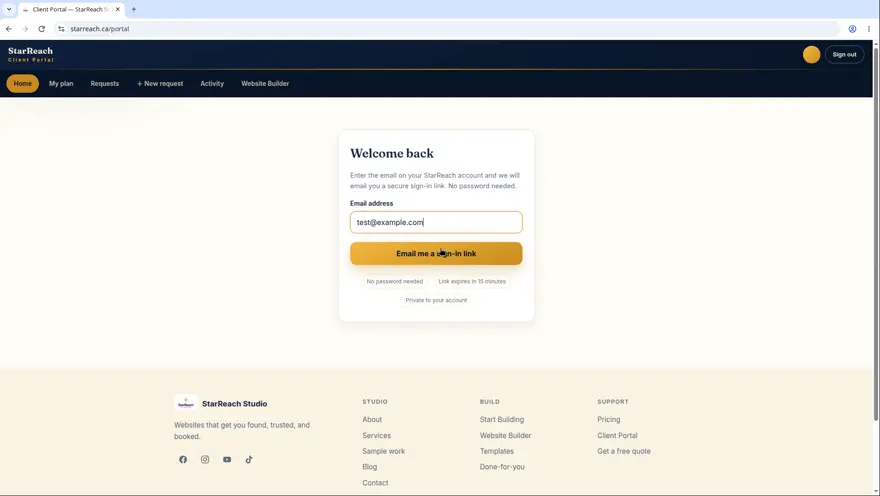 Lesson 9
~2 minBeginner
Your plan and activity
See what's included in your plan and review everything that's happened on your account.
Watch lesson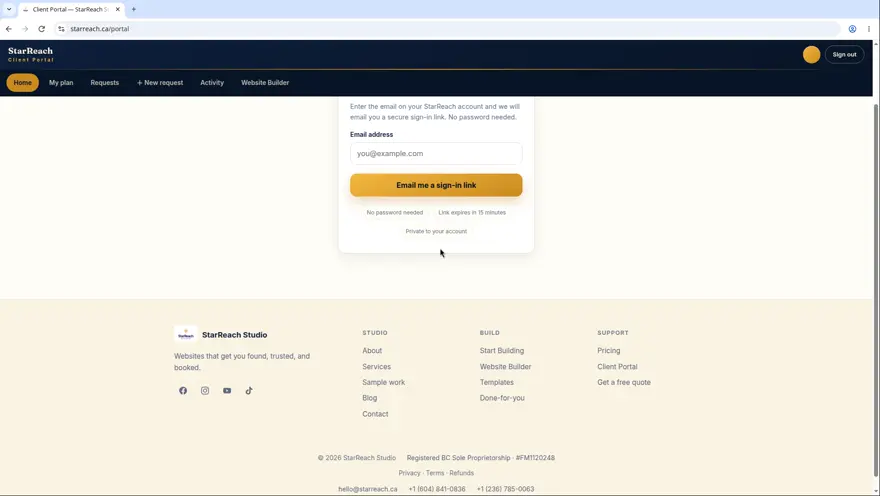 Lesson 10
~3 minIntermediate
Managing your site content
Keep your business info current, and get blog posts and testimonials published — just send us the words.
Watch lessonMost asked
2 lessonsThe questions everyone asks — answered in under four minutes.
 Lesson 11
~2.5 minBeginner
How your 7-day free trial works
What you get, why there's no credit card, what happens on day 8, and how to choose a plan.
Watch lesson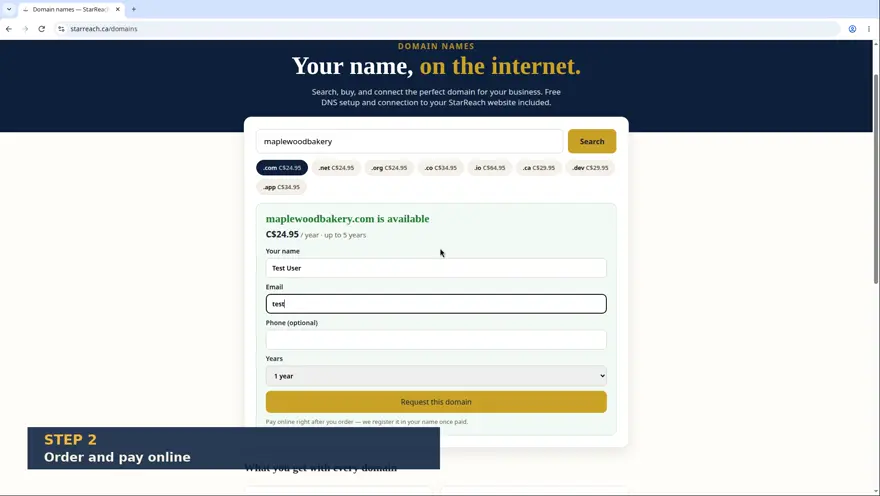 Lesson 12
~3.5 minIntermediate
Connecting a custom domain
Search for your perfect domain, buy it, and let us connect it to your site — no DNS headaches.
Watch lessonReady to put it into practice?
Everything you just read about is waiting in the Builder — free for 7 days, no credit card.
How the Academy works
Short lessons, real screens, no jargon
Every lesson in this library is a recording of the real product doing the real task — not a mock-up, not a slide deck. A human voice walks you through it, captions run underneath (transcribed from the actual narration, so what you read is what was said), and almost every lesson is over in less than four minutes. The point is respect for your time: you should be able to watch one lesson, do the thing it taught, and get back to your business inside ten minutes. Watch them in order if you’re starting from zero — the numbering is a path, not a decoration — or jump straight to the lesson named after your problem. The library is free to everyone, client or not, because a person deciding whether to trust us with their website deserves to see exactly how it works first.
The twelve lessons sit in two tracks and a shortcut. The Website Builder track (lessons 1–6) teaches the building itself: your first five minutes, the draft-versus-published idea everything else hangs on, sections, blocks, publishing, and brand controls. The Client Portal track (lessons 7–10) teaches being a client: signing in, requesting changes in plain words, reading your plan and activity, and managing content without ever opening the editor. The Most asked pair (lessons 11–12) answers the two questions that arrive before all others — how the free trial really works, and how a custom domain gets connected. If you’re building your own site, live in track one. If we built yours, track two is your whole job, and it’s a small one.
Most clients watch these on a phone, between jobs, which is why they’re captioned, short, and shot at a size that survives a small screen. And when a lesson isn’t enough — a step doesn’t match what you see, a button has moved, a question isn’t covered — that’s not your failure. Tell support what you were trying to do; a human answers within one business day, and a lesson that confused you is a lesson we fix. The whole library is also indexed in the Resource Centre, beside the articles and the free tools, if you’d rather search than browse.
This page is part of the Resource Centre — every article, lesson, and free tool StarReach publishes, in one searchable index.