
The true cost of a website in year two
Year one is the teaser — free domain, dollar trial. Year two is the real price. We added up Wix, Shopify, and StarReach, with sources, including the cost no invoice shows: who owns the site.
Read the article
Resource Centre
Articles, video lessons, and free tools used to live in three separate corners of this site. This is the single index: every piece we’ve made, shelved by what it helps you do, and searchable. No sign-up, no email gate — if it’s listed here, it’s free to read, watch, or use.
Start here
Most visitors arrive with one of three jobs to do. Each path below is a short sequence — do this, then this — using only pieces in this library. Nothing here is a funnel into a sales call; every step is free, and you can stop after any of them better off than you started.
You have an idea and not much else yet. This order works: a name you can actually register, the paperwork basics, the domain, then a first look at the tool you’d build with.
The site exists but the phone isn’t ringing. Start with why that happens, clear the suspicious messages out of your inbox, then look at handing the upkeep to someone.
No quotes yet — you just want the numbers straight. Start with the year-two maths most builders don’t show you, then the price list itself.
The shelves
One filter over everything below: type a word, pick a topic, pick a level. The count tells you the truth as you go, and if nothing matches, the page says so and offers the whole library back — it never shows you a blank wall.
Longer reads from the studio blog — what things cost, how we work, and the paperwork of starting up, written the way we’d want it explained to us.
Year one is the teaser — free domain, dollar trial. Year two is the real price. We added up Wix, Shopify, and StarReach, with sources, including the cost no invoice shows: who owns the site.
Read the article
If customers can’t find you online, for many of them you don’t exist. A website isn’t decoration — done right, it gets you found, trusted, and booked.
Read the article
Most website builders stop at the website. We think that’s where the interesting part starts. Here’s the product we’re building toward — and why it’s not “a WordPress alternative.”
Read the article
On October 2, 2026, STAR REACH STUDIO became a registered sole proprietorship in British Columbia. Here’s what we do — and the commitment we’re making public from day one.
Read the articleThe Academy’s twelve short lessons — eight on the Website Builder, four on your Client Portal — each a few minutes, each with a real voiceover and captions. Watch them in order, or jump to the one you need.
Sign in, meet your dashboard, create your first project, and learn where everything lives in the workspace.
Watch the lesson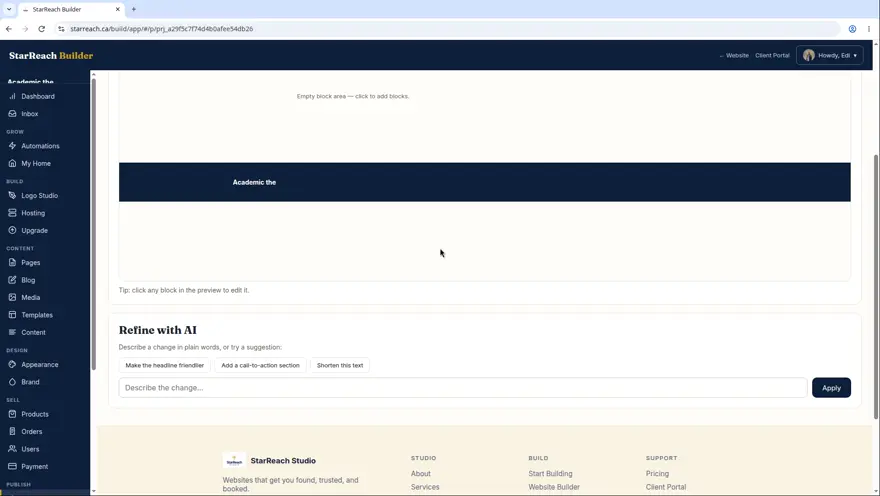
The one mental model that makes everything else click: your private draft, the preview, and what the world actually sees.
Watch the lesson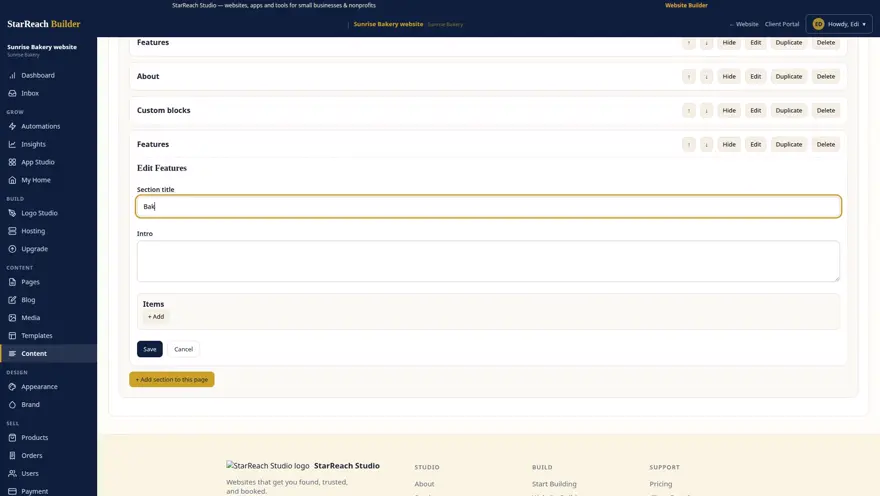
Sections are the building blocks of every page. Add them, edit them, reorder them, delete them.
Watch the lesson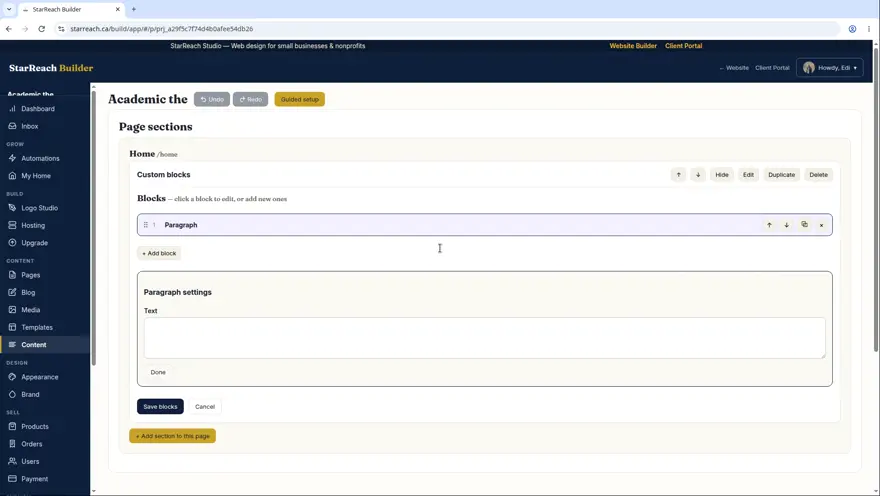
The WordPress-style block editor: 12 block types, click-to-edit, and true drag-and-drop reordering with the grip handle.
Watch the lesson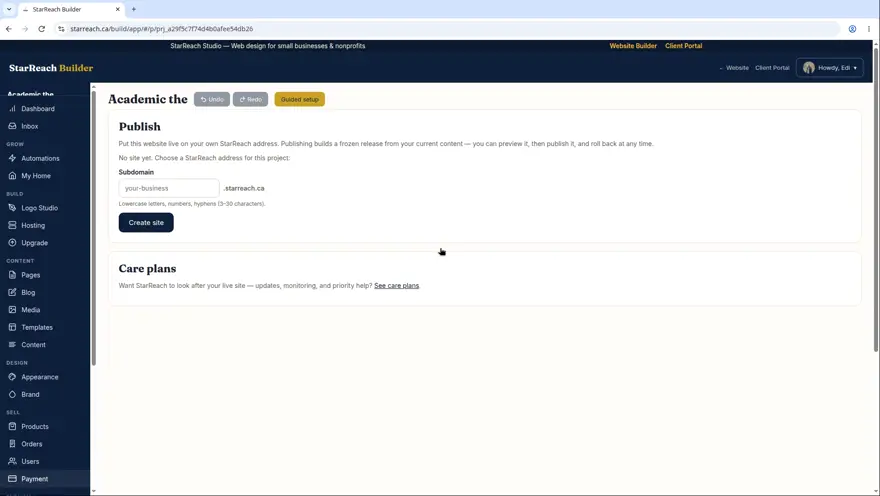
From finished draft to live website: preview, publish, the automatic health check, and your live URL.
Watch the lesson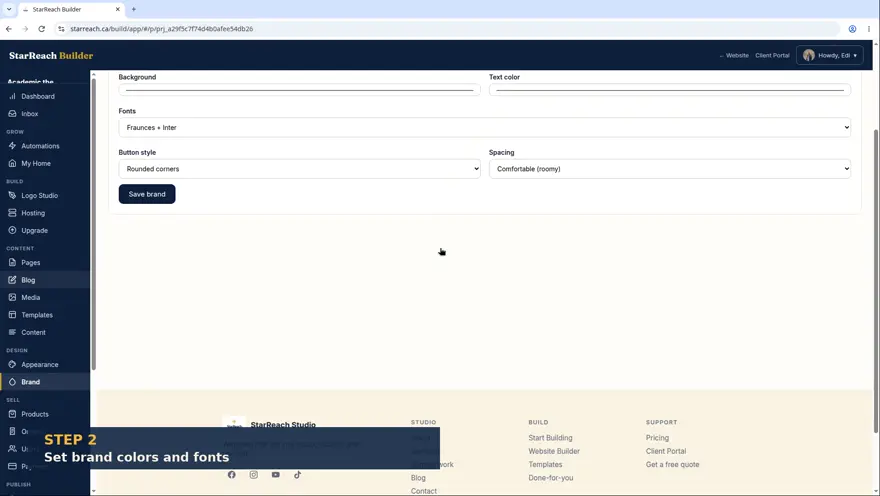
Uploading photos, using the media library, and making the whole site look like you with brand colors, fonts, and your logo.
Watch the lesson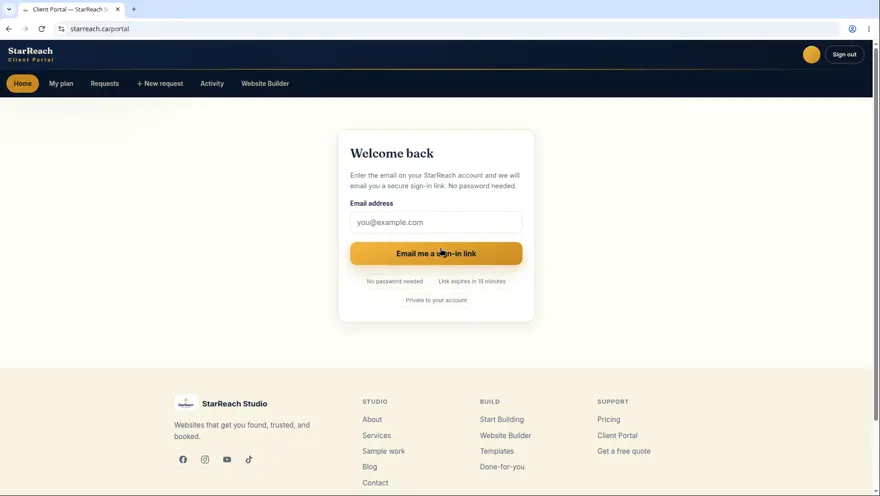
Sign in with a magic link, tour the dashboard, and see everything you can do in one place.
Watch the lesson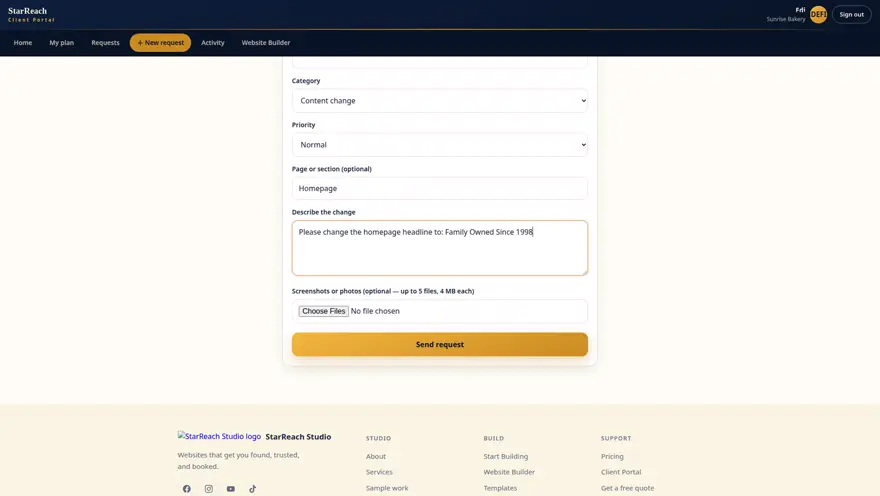
Submit a change request in plain words, know what happens next, and track it to done.
Watch the lesson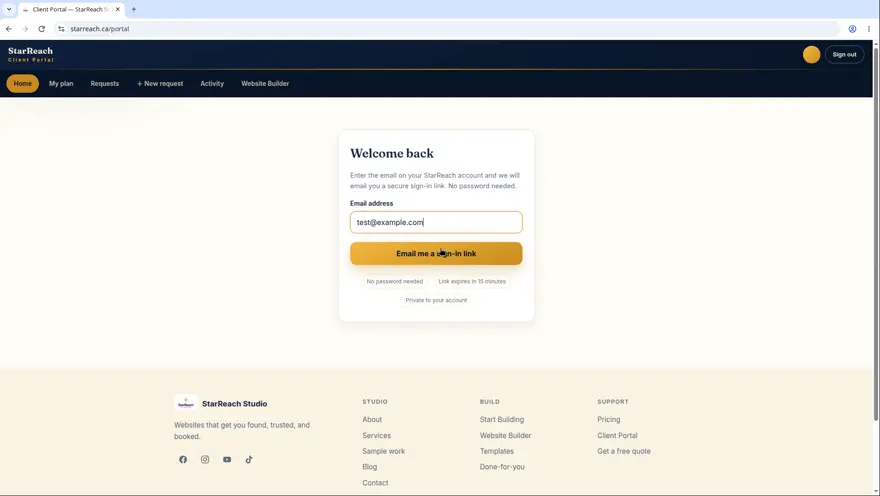
See what’s included in your plan and review everything that’s happened on your account.
Watch the lesson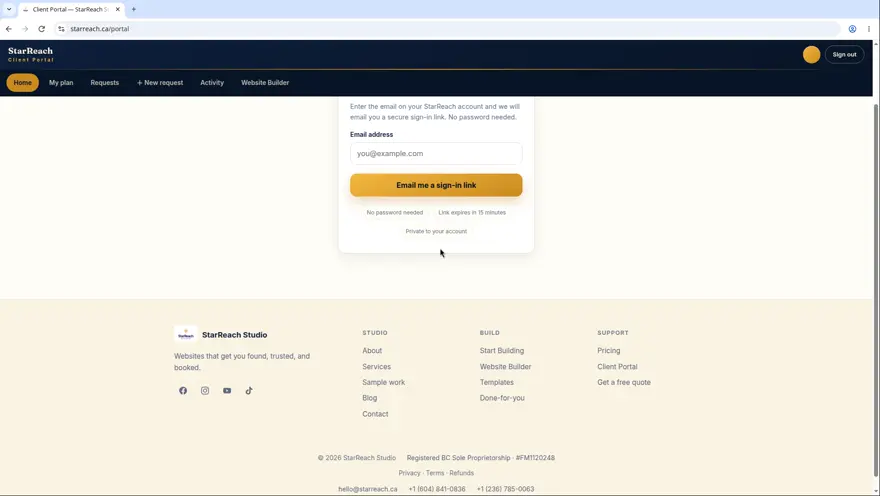
Keep your business info current, and get blog posts and testimonials published — just send us the words.
Watch the lesson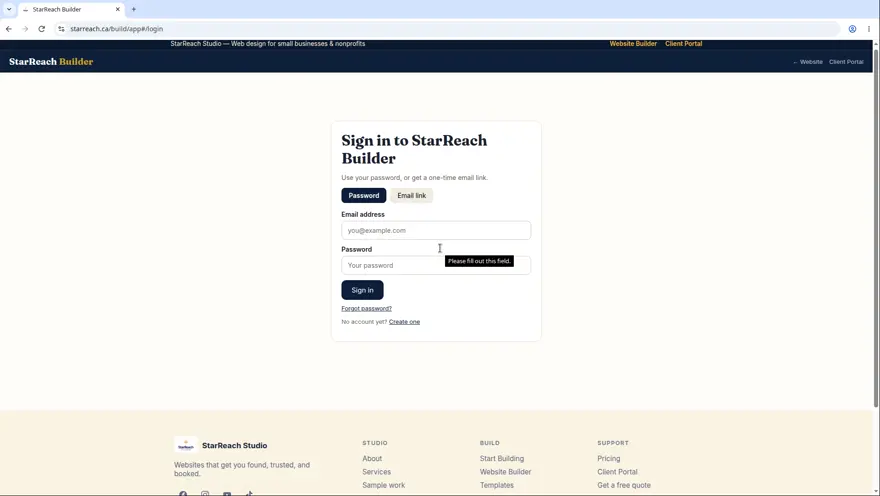
What you get, why there’s no credit card, what happens on day 8, and how to choose a plan.
Watch the lesson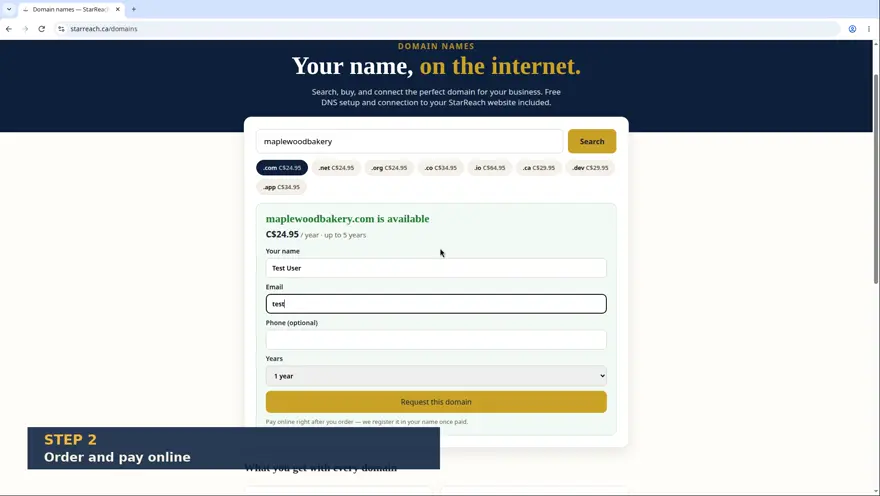
Search for your perfect domain, buy it, and let us connect it to your site — no DNS headaches.
Watch the lessonThree working tools, free with no account. They run right here on the site — the same three you’ll find on the tools hub, indexed here so the whole library is one search.
Answer four short questions and get twelve name ideas, each checked live for a matching .ca and .com domain. Free, about half a minute, no sign-up.
Use the tool
Paste a suspicious link — or the whole message — and we’ll follow it to where it really goes and give you a plain-words verdict. We never ask for a password.
Use the tool
Describe your business and get a first logo back, ready to download as PNG or SVG. A starting point you can use today — free, no account.
Use the toolSupport and the policy pages, linked plainly. The fine print is part of the library too — it should be as easy to find as everything else.
Real humans, four lanes — pick the one that matches your problem and expect an answer within one business day.
What we collect, why, and what we never do with it — including exactly what the free tools send and keep.
The agreement for using this site, the Builder, and the tools, in plain language.
What we’ve built for, what we’ve tested, and how to tell us where we’ve fallen short.
How refunds work for websites, plans, and domains — including the parts nobody can refund and why.
That combination of words and filters comes up empty. It doesn’t mean the answer doesn’t exist; it may live in a piece worded differently. Clear the filter and browse the shelves, or try a single word like “domain” or “trial”.
Kept current: this index was last reviewed against the live library on November 14, 2026 — the day the centre opened. Four articles, twelve lessons, three tools, and the help pages; every card above is a live link to the piece itself, and when the library grows, this page grows with it.
The lessons teach the Builder, the tools start the business, and the articles keep you honest about cost. The next step is yours.