

Website Builder
Client Portal
Start a project

Services — 03

Automation setups

Simple systems that reduce repetitive admin — without making your business feel impersonal.

Typical timeline: 1–3 weeks for most setups.

Get a free quote See what we automate

  • Free quote in writing, before any work begins
  • Built on the tools you already use
  • Documented, so you are never locked in
A tradesperson checking a phone while an organised inbox waits open on the laptop beside him

Worked example

One real setup, start to finish

This is the enquiry flow we run on this studio's own website — the same shape we build for clients.

The studio's own enquiry flow

An enquiry arrives. Nothing gets lost.

A visitor sends the contact form on this site. Instead of landing as one more email among hundreds, the enquiry arrives in a single organised inbox — name, contact details and message kept together, labelled by topic. If it goes unanswered for a set time, a polite follow-up checks in automatically. The owner still writes the real reply; the system makes sure no enquiry quietly dies in a forgotten tab.

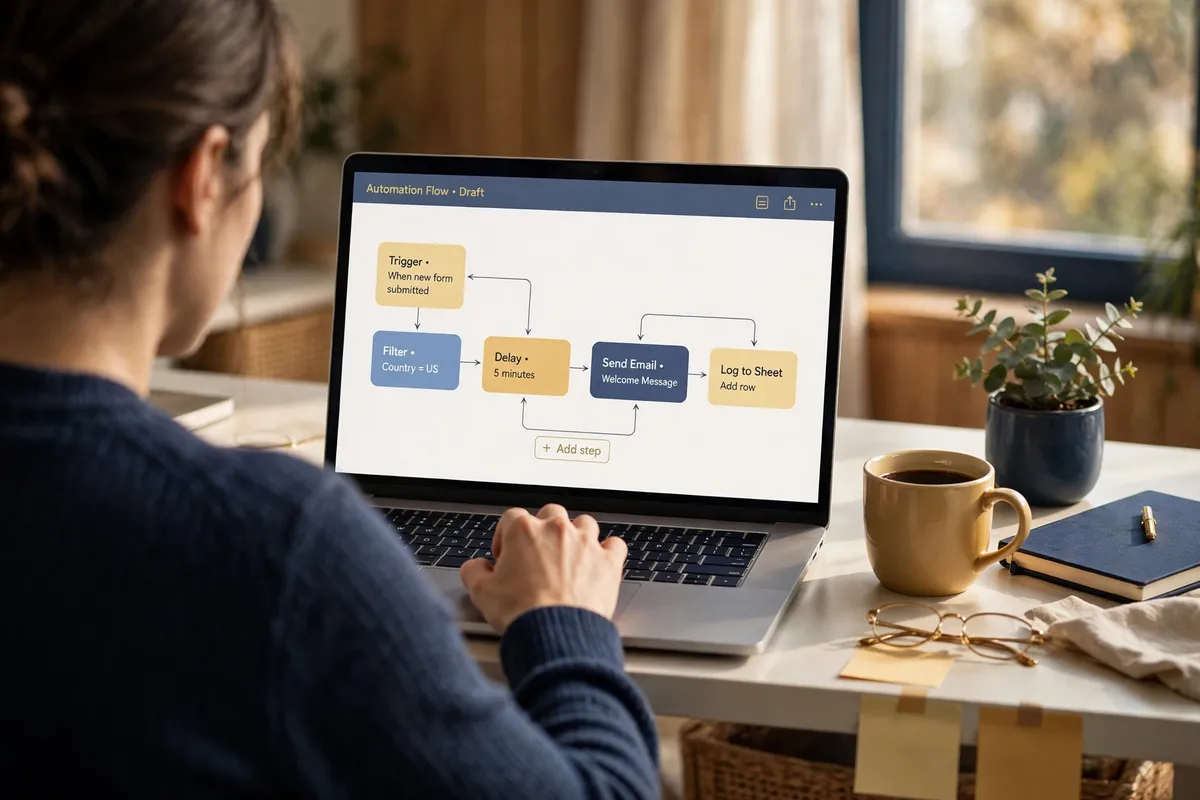
Building an automation flow on screen: simple blocks connected in order

Illustration — an enquiry inbox before the setup: real enquiries mixed in with everything else, easy to miss.

Illustration — the same inbox after the setup: every enquiry labelled, answered, booked in, or already followed up.

What we automate

The setups we build most

Most setups combine two or three of these — each built on the tools you already use, and documented so you can see exactly what it does.

Hands typing into a website contact form on a laptop

Enquiry forms that land organised

Your contact and quote forms route straight to one inbox, with name, contact details and message kept together and labelled by topic — nothing arrives as a mystery email.

Demonstration
  1. A visitor submits the contact form on your site.
  2. It lands in one organised inbox, labelled “New enquiry”.
  3. You reply from one place — nothing scattered, nothing lost.

A demonstration of the setup — nothing here sends, books, or saves anything.

A café owner checking a weekly bookings calendar on a tablet at the counter

Booking flows that end the back-and-forth

Customers pick a time that is actually free. The booking lands on your calendar with their details attached, and the confirmation goes out on its own.

Demonstration
  1. A customer picks a time that is actually free.
  2. The booking lands on your calendar, with their details attached.
  3. The confirmation goes out on its own.

A demonstration of the setup — nothing here sends, books, or saves anything.

A business owner reading a follow-up email on her phone with relief

Follow-up sequences

A short, polite sequence that checks in when an enquiry has gone quiet — written in your voice, sent in the same thread, stopping the moment the person replies.

Demonstration
  1. An enquiry has gone quiet for a set time.
  2. A polite follow-up goes out in the same thread, in your voice.
  3. It stops the moment the person replies.

A demonstration of the setup — nothing here sends, books, or saves anything.
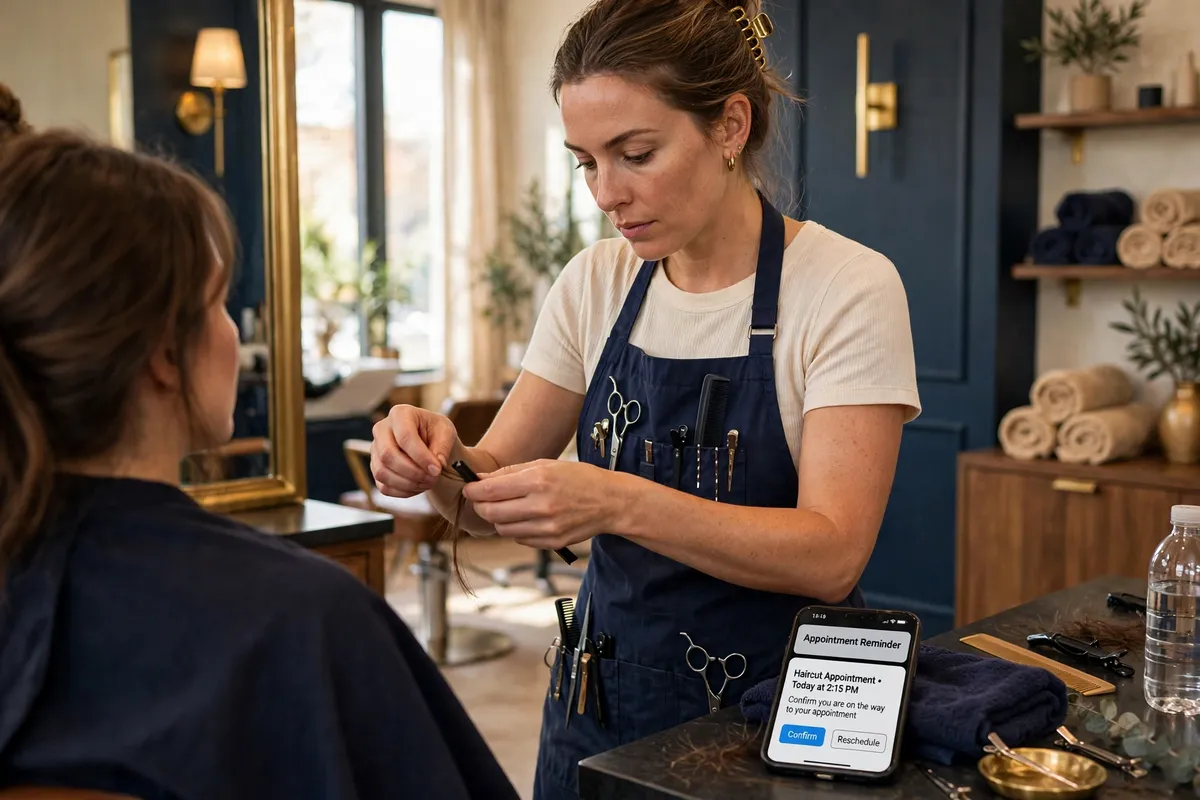
A stylist at work while a phone on the counter shows an appointment reminder

Reminders that send themselves

Appointment and booking reminders go out on schedule, so fewer people forget, fewer slots sit empty, and nobody keeps a mental list of who to nudge.

Demonstration
  1. An appointment sits on the calendar for Friday at 10:00.
  2. A reminder goes out on schedule, the day before.
  3. They show up — and nobody kept a mental list.

A demonstration of the setup — nothing here sends, books, or saves anything.

A laptop and phone side by side on a tidy desk, tools passing information between them

Integrations between your tools

Your form, inbox, calendar and other tools pass information to each other instead of making you copy it by hand — connected carefully, one flow at a time.

Demonstration
  1. A form is submitted on the website.
  2. The details appear in your inbox and on your calendar.
  3. Nobody copied anything by hand.

A demonstration of the setup — nothing here sends, books, or saves anything.
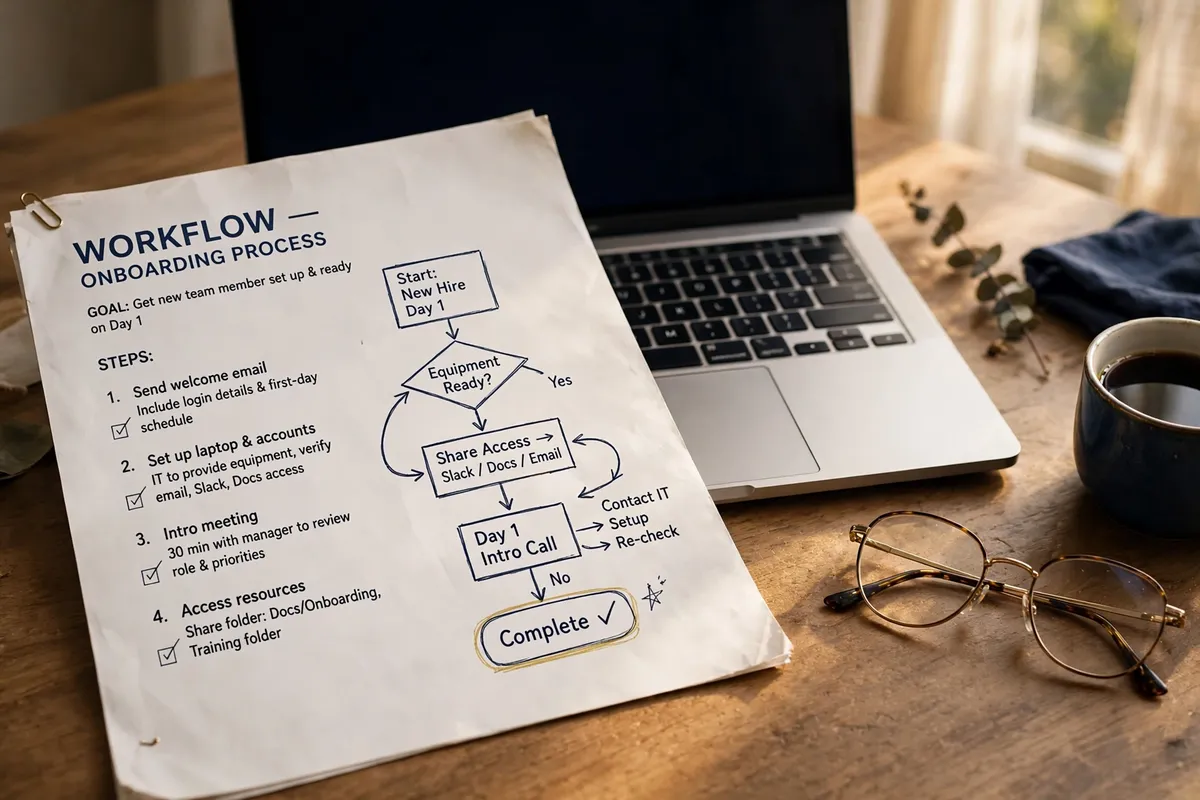
A plain-language workflow document with a simple flow diagram, beside a laptop

Tidy-ups and documentation

We untangle the flows you already have, remove duplicated steps, and write down how everything works in plain language your team can follow.

Demonstration
  1. We map the flow you already have, step by step.
  2. Duplicated steps are removed; the gaps are closed.
  3. You get the plain-language document — and keep it.

A demonstration of the setup — nothing here sends, books, or saves anything.

How it works

From busywork to a system, in four steps

01

Map the busywork

We look at your week together and find the repetitive pieces — the copying, chasing and re-typing. What annoys you most is where we start.

02

Design the flow

You see the setup on paper first — what triggers it, what it sends, and when it stops — and you approve it before anything is built.

03

Build and connect

We build the flow on the tools you already use and connect the pieces, checking each step as it goes.

04

Test with real enquiries

We run real test enquiries through the whole path and watch them land. It only goes live when every step has been seen working.

Two people mapping a workflow on paper with sticky notes and arrows

Handover

What you receive

A setup is only finished when you can see it, understand it, and run on it without us beside you.

  • The working flows, live — switched on and handling real enquiries.
  • A plain-language map — of every automation: what triggers it, what it does, and how to pause it.
  • Test records — the real test enquiries we ran, and what each one proved.
  • A walkthrough — we show you and your team the system, at your pace.
  • Documentation you keep — written down and yours, so you are never locked in to us to run it.
Walking a business owner through the new system on a laptop at the counter

Who it's for

For owners losing hours to admin

Anyone losing hours to repetitive admin — missed inquiries, double-booked calendars, copy-paste follow-ups. If it feels like busywork, it can probably be automated.

The point is not more software. It is giving you back the parts of the day that were never really your job — and making sure the enquiries you earned actually get answered.

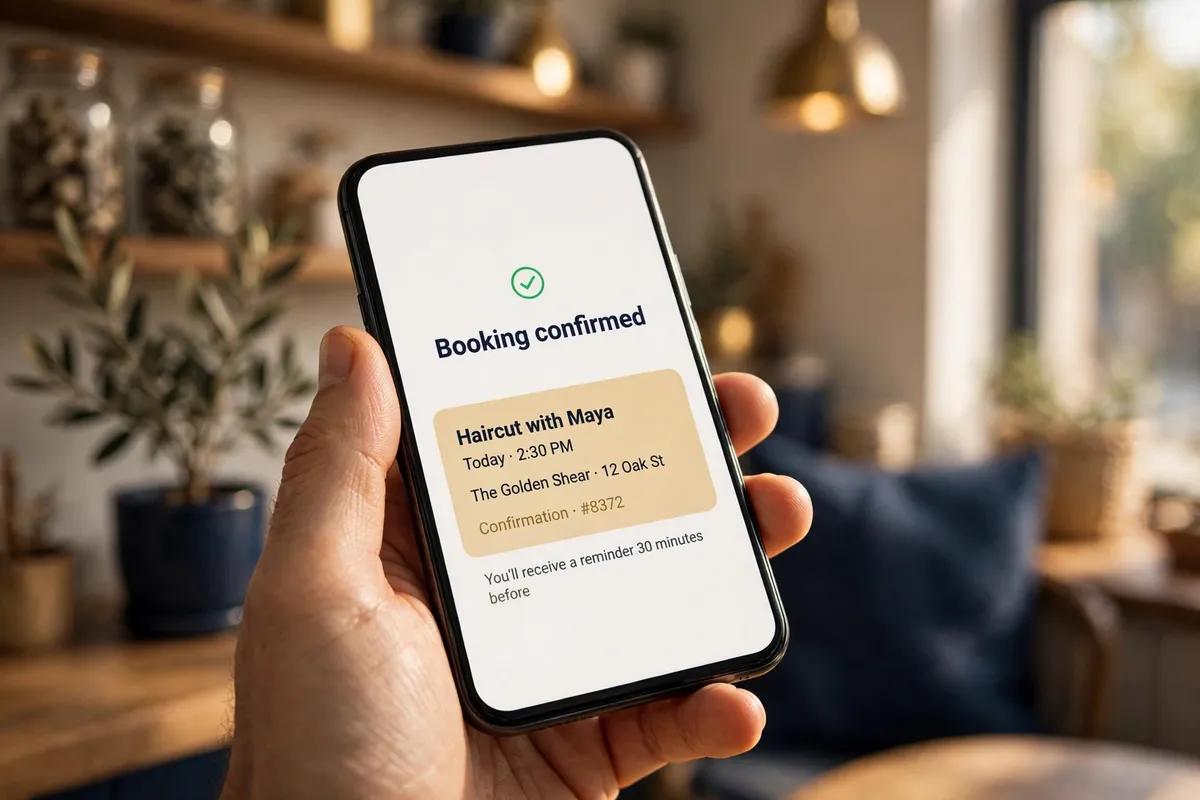
A bakery owner calmly glancing at her phone between tasks A phone showing a booking confirmed notification, the follow-up already handled

A good fit if…

  • You answer the same questions every week
  • Enquiries arrive in more than one place
  • Follow-ups happen only when you remember them
  • Your tools each hold half of the picture

Not for you if…

  • You want a robot to replace the personal reply — we automate the chasing, never the conversation
  • Your process changes completely every month — automate the stable parts first
  • You need it live tomorrow — a careful setup takes one to three weeks

Published price

Automation setup

C$1,500–5,000

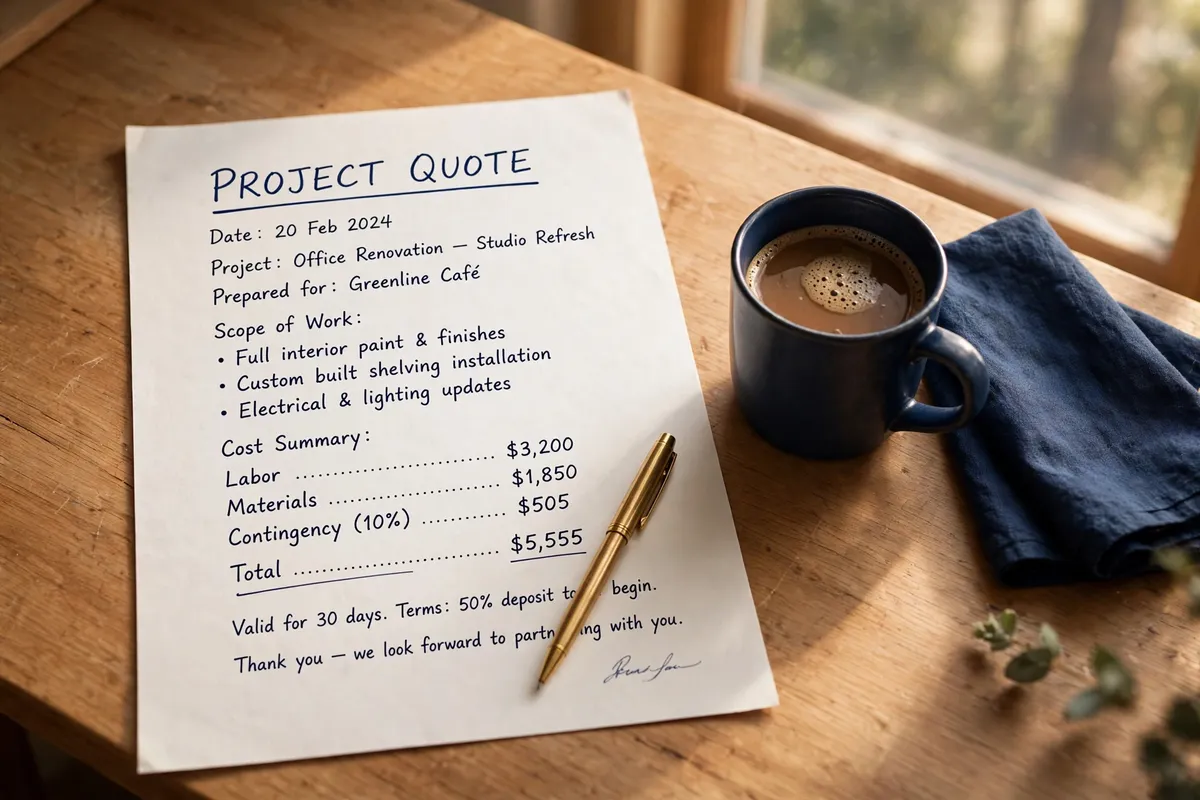
Priced by the size of the setup. Your free quote fixes the exact figure in writing before any work begins, and it does not move unless the scope does. Prices are in Canadian dollars, plus GST.

Typical timeline: 1–3 weeks for most setups.

Get a free quote

A written quote and a pen on a tidy desk — the price agreed in writing first

Questions

Asked about automation setups

What owners usually ask before handing part of their week to a system.

Will it make my business feel impersonal?

No — that is the line we design around. The system handles routing, reminders and chasing; the conversation stays yours. Follow-ups are written in your voice and stop the moment someone replies.

Do I need new software?

Usually not. We build on the tools you already use — your website forms, your inbox, your calendar — and connect them. If a new tool is genuinely needed, it is named in the written quote before we start.

What happens if something breaks?

Every setup comes with its map and documentation, so a fault can be found instead of guessed at — and you can pause any automation yourself. If you would rather we kept an eye on it, that is what care plans are for.

How long does a setup take, and what do you need from me?

One to three weeks for most setups. From you: one conversation about where the hours go, and access to the tools we connect. We start with the costliest flow, prove it works, and add from there.

Keep exploring

Our other services

Every service stands on its own — and they work even better together.

01 — Care Plans

Website care plans

Ongoing attention for the work that arrives after launch: updates, checks, fixes, and steady improvement.

See care plans

02 — Website Builds

Website builds

A focused, professional home for your work — planned around the action you want visitors to take.

See website builds

Not sure which one you need?

Describe what's not working and we'll point you to the right starting point — no pressure, no jargon. Tell us where the hours go, and we will tell you honestly whether automation is the fix, or whether something simpler is.

A business owner locking up the shop at dusk, the day's admin already handled
Email address copied