
Academy › Client Portal › Lesson 9
~2 minBeginnerYour plan and activity
See what's included in your plan and review everything that's happened on your account.
Step by step
Follow along
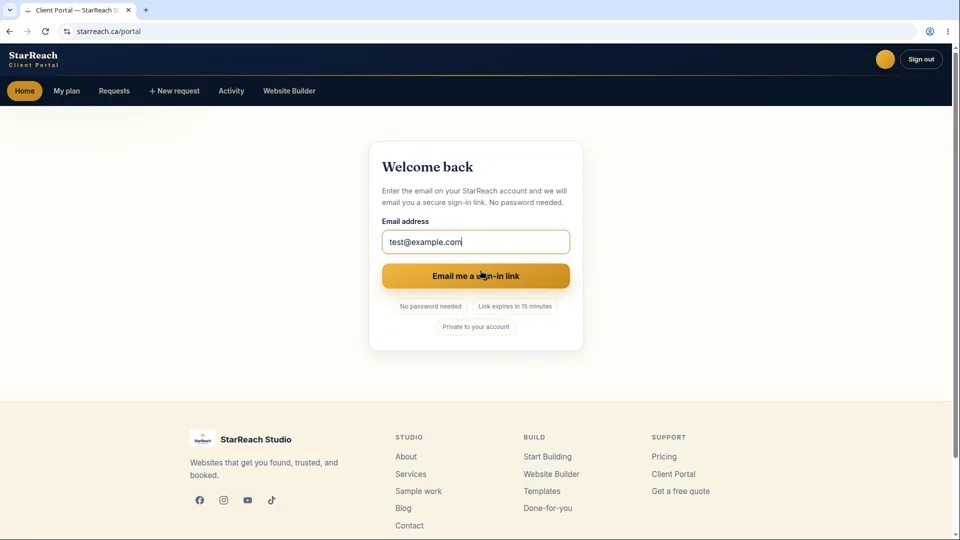
- Sign in to your portal at starreach.ca/portal and open My plan.
- You'll see your plan name and everything included with it — hosting, support, and plan-specific features.
- Wondering whether something is covered? Check here first. If it's not listed, send us a request and ask — we'll give you a straight answer.
- Open the Activity tab for your full history: requests you've submitted, changes we've made, and plan events — all in one timeline, newest first.
- Use Activity as your record. If you ever need to confirm when something changed or what was done, it's all here.
In writing
The lesson in writing
Two questions come back again and again in the life of a website: what is included in my plan? and what has happened with my account? Your portal answers both, in two tabs. My plan shows your plan's name and everything that comes with it — hosting, support, and your plan's specific features. Treat it as the source of truth: before you wonder whether something is covered, look there. And if what you need is not listed, send us a change request and simply ask. You will get a straight answer — what is included, and what it would cost if it sits outside your plan. No surprises, ever.
Activity is your account's memory. Every request you have submitted, every change we have shipped, every plan event — one timeline, newest first. It is more useful than it sounds, because the questions it answers are the ones that otherwise turn into archaeology: “When did we update the pricing page?” Check Activity. “Did that testimonial ever go up?” Check Activity. “What did we ask for last month?” Same place. If you ever need to confirm when something changed or what exactly was done, the record is already written — you do not have to take anyone's word for it, including ours.
Between the two tabs you always know where you stand: what you are paying for, and everything that has been done. Most agencies leave you guessing on both counts; we would rather you never had to guess. A habit worth building is a thirty-second glance at Activity once a month. It keeps you connected to your own website, and over time you will spot the rhythm of your business in it — the spring rush of updates, the quiet winter, the new service you launched in September. Your website tells the story of your year, and Activity is its table of contents.
One responsibility comes with a record this clear: if anything in Activity ever looks unfamiliar — a change you do not remember requesting — tell us right away through a new request. It is your account, your site, and your record, and it should always make sense to you.
Before you move on
- Open My plan and read your inclusions end to end — find the support and hosting terms in writing.
- In Activity, find the date of the most recent change to your site and what it was.
- Set yourself the monthly habit: one thirty-second Activity check, same day each month.
Read the full video transcript
Two tabs in your portal answer two questions you'll ask again and again: “What's included in my plan?” and “What happened with my account?”
Let's start with My plan. Open it and you'll see your plan name and everything that comes with it — your hosting, your support, your features. It's the source of truth. Before you wonder whether something's covered, look here.
Not listed? No problem. Send us a change request and just ask. We'll tell you straight — what's included, and what it would cost if it's outside your plan. No surprises, ever.
Now Activity. This is your account's memory. Every request you've submitted. Every change we've shipped. Every plan event. All in one timeline, newest first.
It's more useful than it sounds. “When did we update the pricing page?” — check Activity. “Did that testimonial ever go up?” — check Activity. “What did we ask for last month?” — you get the idea.
Between My plan and Activity, you always know where you stand: what you're paying for, and everything that's been done. That's not a small thing. Most agencies leave you guessing. We'd rather you never have to guess.
Here's a habit worth building: glance at Activity once a month. It takes thirty seconds, and it keeps you connected to your own website. You'll spot the rhythm of your business in it — the spring rush of updates, the quiet winter, the new service you launched in September. Your website tells the story of your year, and Activity is the table of contents.
And if anything in there ever looks unfamiliar — a change you don't remember requesting — tell us right away through a new request. It's your account, your site, your record. It should always make sense to you.
Try it now
Open the product and put this lesson into practice — it takes seconds.