
Academy › Most asked › Lesson 12
~3.5 minIntermediateConnecting a custom domain
Search for your perfect domain, buy it, and let us connect it to your site — no DNS headaches.
Step by step
Follow along
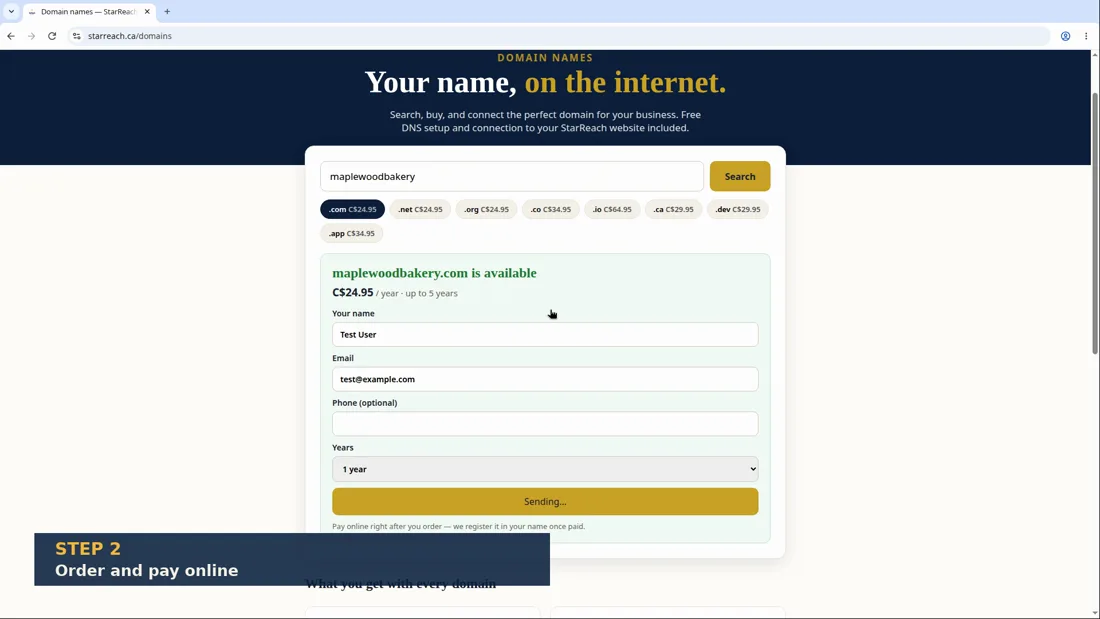
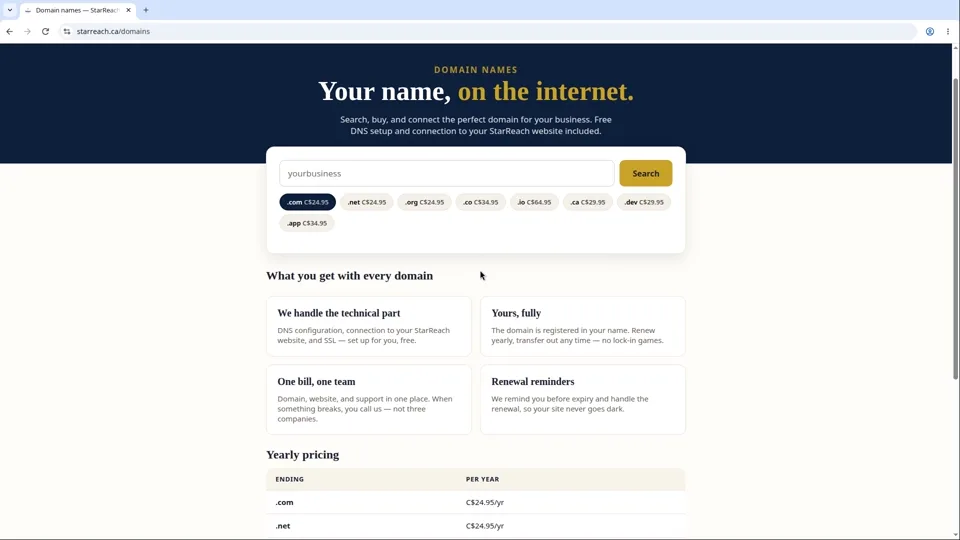
- In the builder, open the Domains section (or go to starreach.ca/domains).
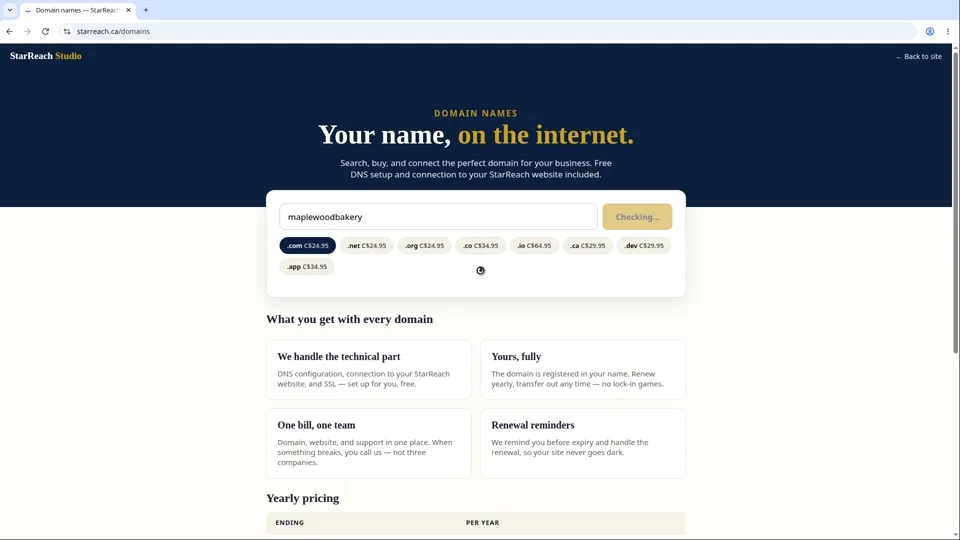
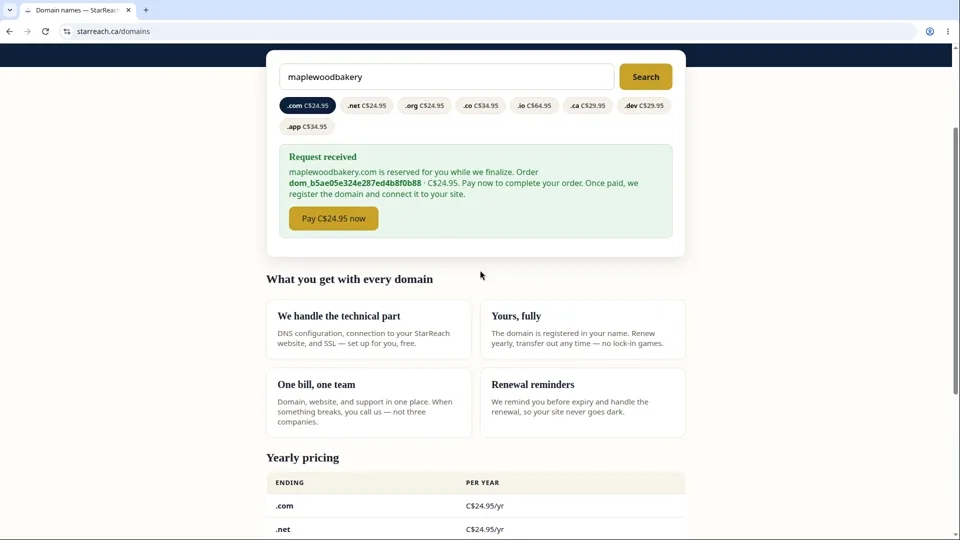
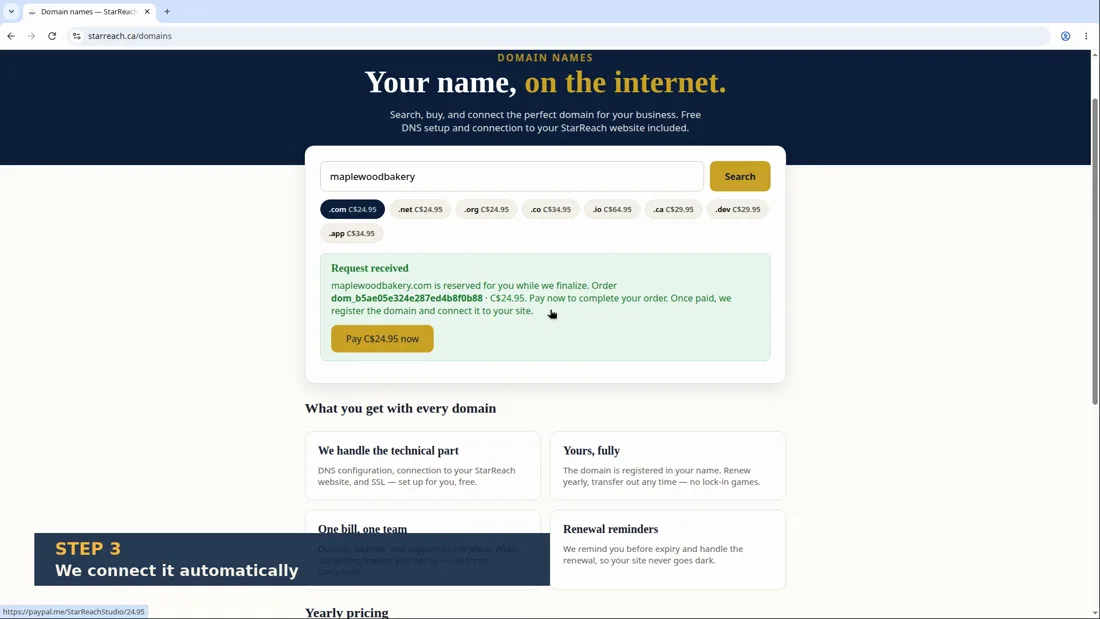
- Type the name you want — your business name is usually the best choice — and run the search. We check availability live, so what you see is accurate.
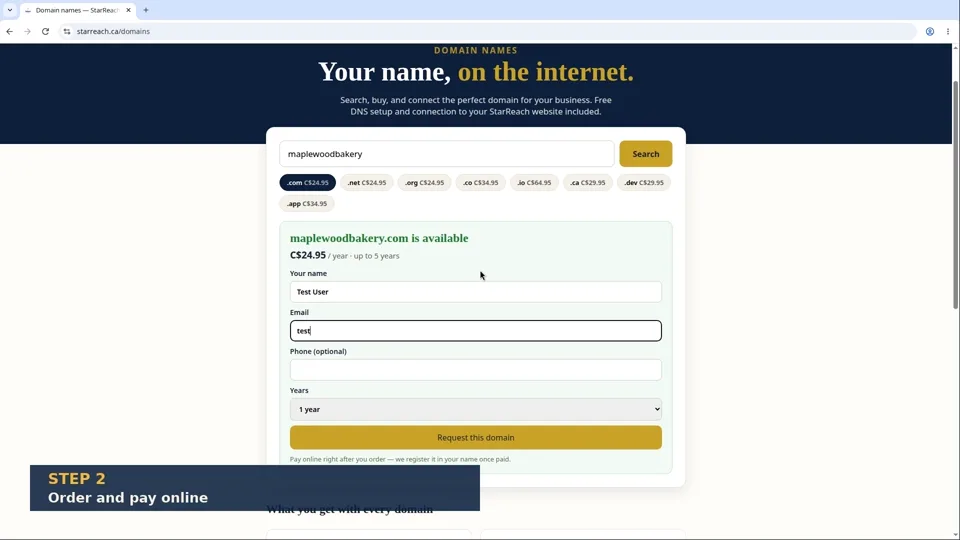
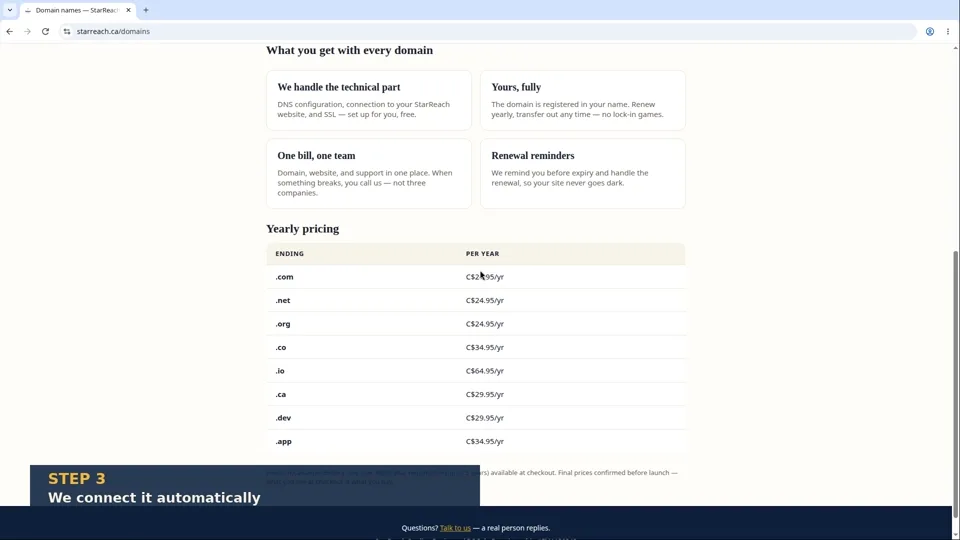
- Browse the results across extensions: .com (C$24.95/yr), .ca (C$29.95/yr), .net and .org (C$24.95/yr), .co (C$34.95/yr), and more. The exact price is shown before you pay — no surprises.
- Found the one? Select it and complete the purchase. We register the domain for you — it's yours.
- We connect it to your website automatically. There are no DNS settings to touch, no nameservers to configure, no technical steps at all.
- Give it a little time to work everywhere — usually under an hour, occasionally longer as the internet's address books update around the world.
- Meanwhile, your temporary starreach.ca address keeps working. Nothing breaks during the switch — visitors reach you either way.
In writing
The lesson in writing
Your website deserves an address that sounds like you — yourbusiness.ca, not a borrowed corner of someone else's domain. Connecting a custom domain is built to be a purchase, not a project. Open the Domains section in the builder (or go to starreach.ca/domains) and type the name you want. Your business name is almost always the right answer: it is what customers will guess, and what they will remember. We check availability live — not a cached list, not “probably available”, but a real, right-now check — so what you see is accurate. If your first choice is taken, vary it: add your city, or try a different ending.
The ending — the part after the dot — is a real decision, so the prices are published before you pay: .com C$24.95/yr, the classic; .ca C$29.95/yr, the natural home for a Canadian business; .net and .org C$24.95/yr; .co C$34.95/yr; and more, each shown at its exact price in the search results. Found the one? Select it and complete the purchase. We register the domain for you — and it is yours, registered in your name, under your account. That ownership detail matters: an address your business depends on should never belong to anyone else.
Then comes the part people expect to hurt, and it does not: we connect the domain to your website automatically. There are no DNS settings to touch, no nameservers to configure, no forty-step tutorial to follow. You buy the domain; we handle the plumbing. One honest note — after connecting, the new address can take a little while to work everywhere, usually under an hour, occasionally longer. That is simply how the internet's address books update around the world; it is normal, and there is nothing to fix.
And during the switch, nothing breaks. Your temporary starreach.ca address keeps working the whole time, so visitors reach you either way, and every link you have already shared keeps working. Search, choose, buy, done: your business, your domain, your corner of the internet.
Before you move on
- Search your business name on the Domains page and note which endings are available and at what price.
- If your first choice is taken, try the two honest variations: your city added, and the .ca ending.
- After connecting a domain, check your site at both addresses — the new one and your temporary starreach.ca address.
Read the full video transcript
Your website deserves an address that sounds like you — yourbusiness.ca, not yourbusiness.starreach.ca. Here's how to get one, without touching anything technical.
Open the Domains section in the builder. Type the name you want. Your business name is almost always the right answer — it's what customers will guess and what they'll remember.
We check availability live. Not a cached list, not “probably available” — a real, right-now check. If it's taken, try variations: add your city, try a different ending.
Speaking of endings — that's the part after the dot. Dot-com is the classic, at twenty-four ninety-five a year. Dot-ca is perfect for Canadian businesses, at twenty-nine ninety-five. You'll also see dot-net, dot-org, dot-co, and more, each with its price shown clearly before you pay anything.
Found the one? Select it and check out. We register the domain for you. It's yours — registered in your name, under your account.
Now here's the part you'll love: we connect it to your website automatically. I mean that literally. There are no DNS settings to touch. No nameservers to configure. No forty-step tutorial to follow. You buy the domain, and we handle the plumbing.
One honest note: after connecting, it can take a little while before the new address works everywhere — usually under an hour. That's just how the internet's address books update around the world. It's normal, and there's nothing to fix.
And during the switch, nothing breaks. Your temporary starreach.ca address keeps working the whole time. Visitors reach you either way.
So: search, choose, buy, done. Your business, your domain, your corner of the internet.
Try it now
Open the product and put this lesson into practice — it takes seconds.