
Academy › Most asked › Lesson 11
~2.5 minBeginnerHow your 7-day free trial works
What you get, why there's no credit card, what happens on day 8, and how to choose a plan.
Step by step
Follow along
- Start your trial: sign up with just your email. No credit card, no payment details, no catch. Your 7 days start immediately.
- What you get: full Starter-level access for 7 days. Build your site, preview it, and — yes — publish it. Your site goes genuinely live during the trial.
- Use the week well: add your real content, connect with the Star AI builder or a template, preview on phone, and publish. This is your site taking shape, not a demo.
- Day 8: you'll see a clear message — “Your 7-day free trial has ended. Pick a plan to continue building.” No surprise charges, because we never took your card.
- Choose your plan: Starter (C$29/month) for getting established, or Growth (C$59/month) for businesses ready to push harder. Everything you built carries over — not a single word or photo is lost.
- No hidden fees, cancel anytime. That's the whole pricing philosophy.
From the video
Key moments
Read the full video transcript
Let's talk about the free trial — what you get, and what happens when it ends. No fine print.
Starting is simple. Sign up with your email. That's it. No credit card. No payment details. We don't ask, because there's nothing to charge you for yet.
Your seven days start immediately. And here's what most trials don't give you: the real thing. You get full Starter-level access. Build your site. Preview it. And yes — publish it. Your website goes genuinely live during the trial, at its own web address. This isn't a sandbox or a demo. It's your site, taking shape.
So use the week well. Add your real photos. Write your real services. Try the Star AI builder, try a template, preview everything on your phone, and hit publish. By day seven, you should be looking at something you're proud of.
Then comes day eight. You'll see a clear message: your trial has ended, and it's time to pick a plan. That's it. No surprise charge — we couldn't charge you if we wanted to, because we never took your card.
Two plans. Starter, at twenty-nine dollars a month, for businesses getting established online. Growth, at fifty-nine a month, for businesses ready to push harder — more room to grow, more firepower.
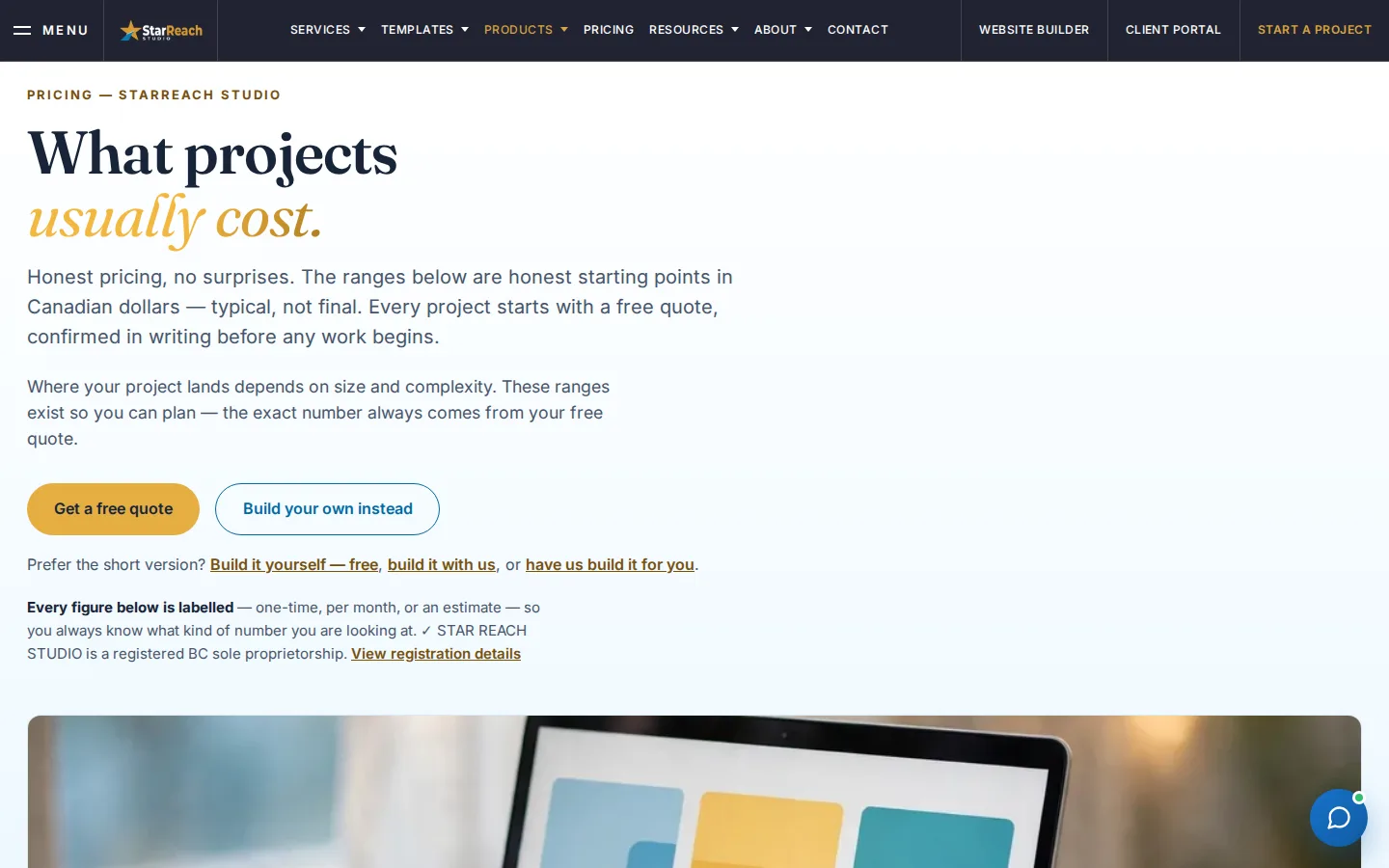
Whichever you choose, everything carries over. Every word, every photo, every page you built during the trial is still there. Nothing is lost, nothing starts over.
And our pricing philosophy, in one sentence: no hidden fees, cancel anytime.
Seven days, no card, your real site live. That's the trial. We think the work speaks for itself.
Written walkthrough
The whole lesson, in writing
Prefer to read? Everything the video covers is on this page, in the order you will meet it on screen. Every button and message below is written exactly as the Builder shows it today, so you can follow along with the Builder open in another tab and never press play.
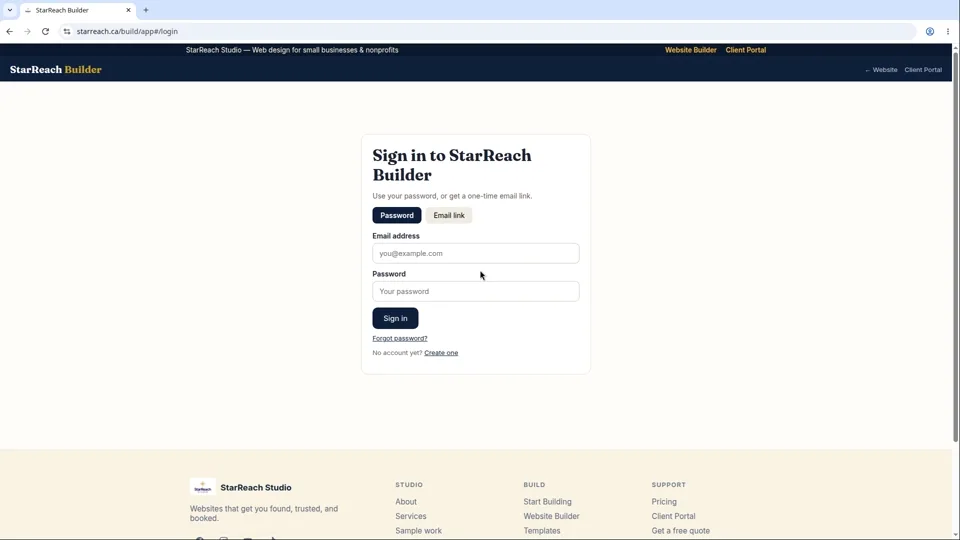
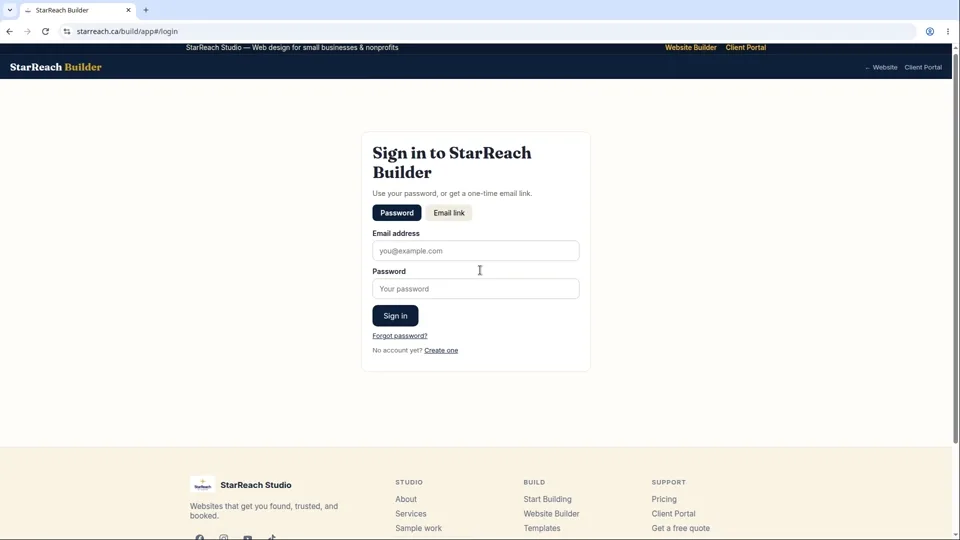
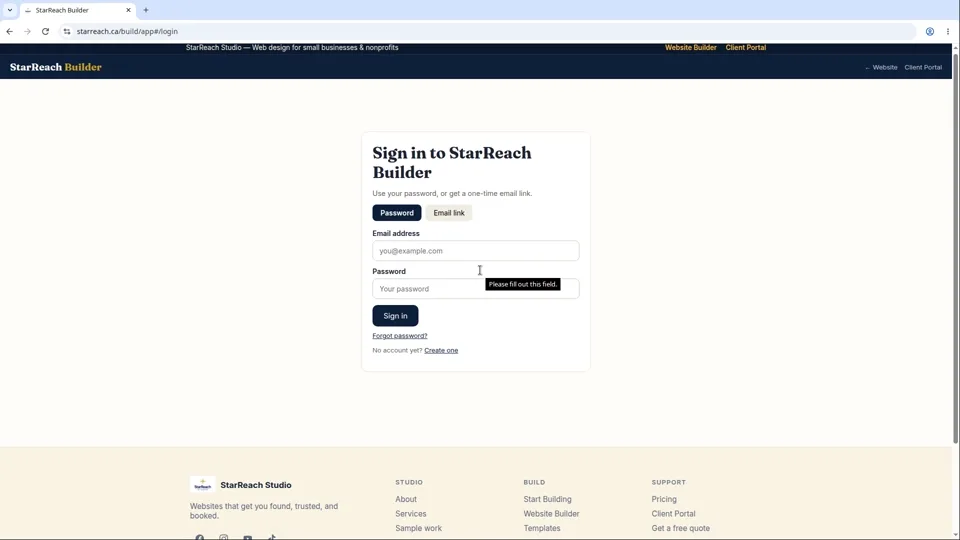
- Open the Builder and create your account. Go to starreach.ca/build and open the Builder. The first screen is headed “Sign in to StarReach Builder”, with two tabs: Password and Email link. If you are new, click Create one under the Sign in button. The form asks for your email address, a display name, and a password — the hint under the password field reads “Min 8 chars, upper + lower + number”. Click Create account and you are signed in straight away. There is no verification email to wait for, and no card is asked for at any point.
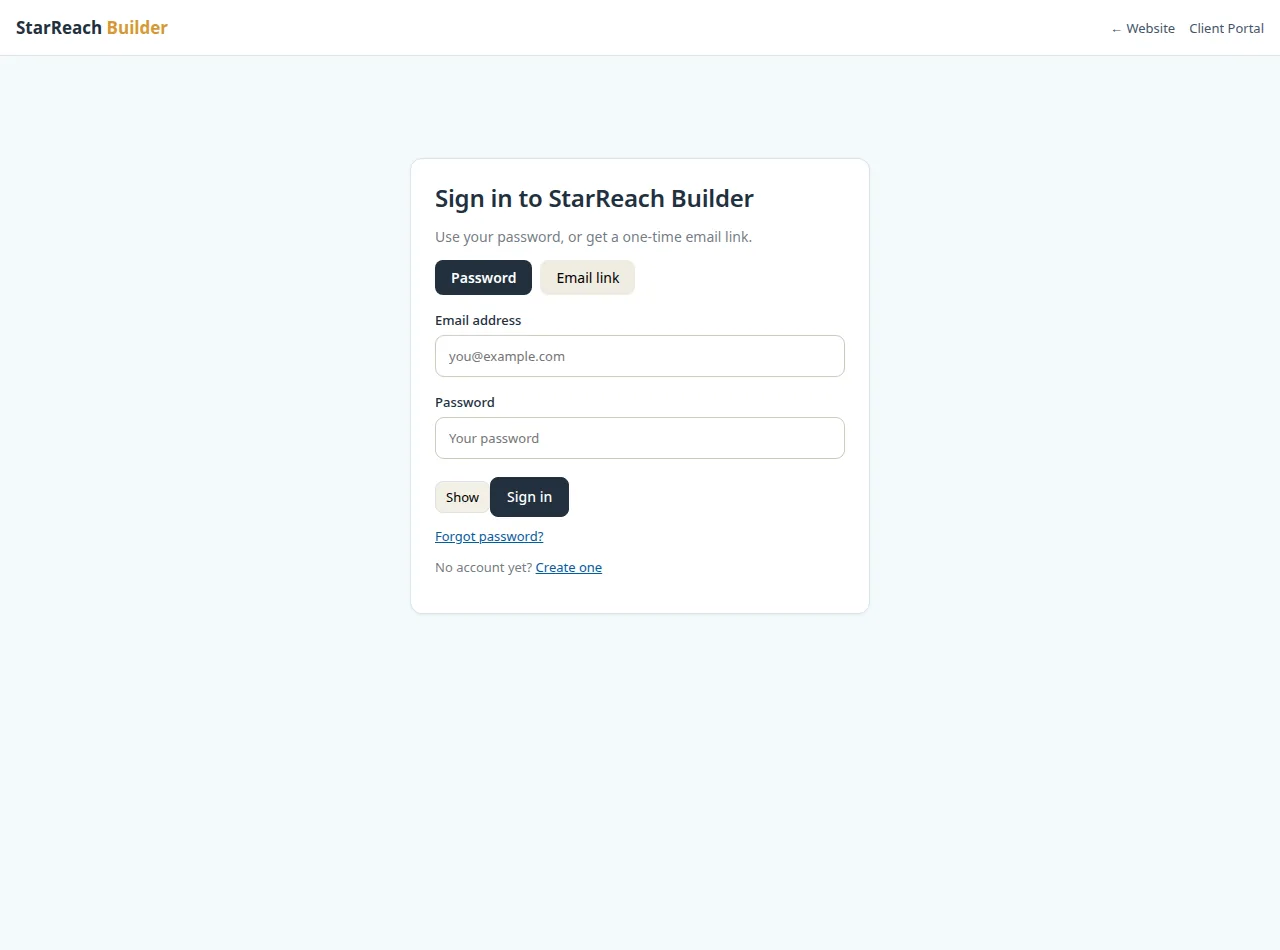
Step 1 — The sign-in screen. The “Create one” link under the Sign in button opens the account form. - Know the other way in. On the Email link tab, type your email and click Email me a sign-in link. The email that arrives carries a one-time link: it expires after 15 minutes and stops working the moment it has been used, so open it on the device you want to work on. The Password tab is the everyday route; the email link is there for the day you forget the password.
- Create your organization — that is what starts the trial. Signing in lands you on the Builder home, headed “Your websites”. Before any project exists, the page asks you to create an organization: type your business name (the field suggests “e.g. Acme Bakery”) and click Create. The 7-day trial clock starts from the moment your organization is created. Nothing is charged, no plan is chosen, and nothing is deducted from anything — the trial is simply seven days of access that begin here.
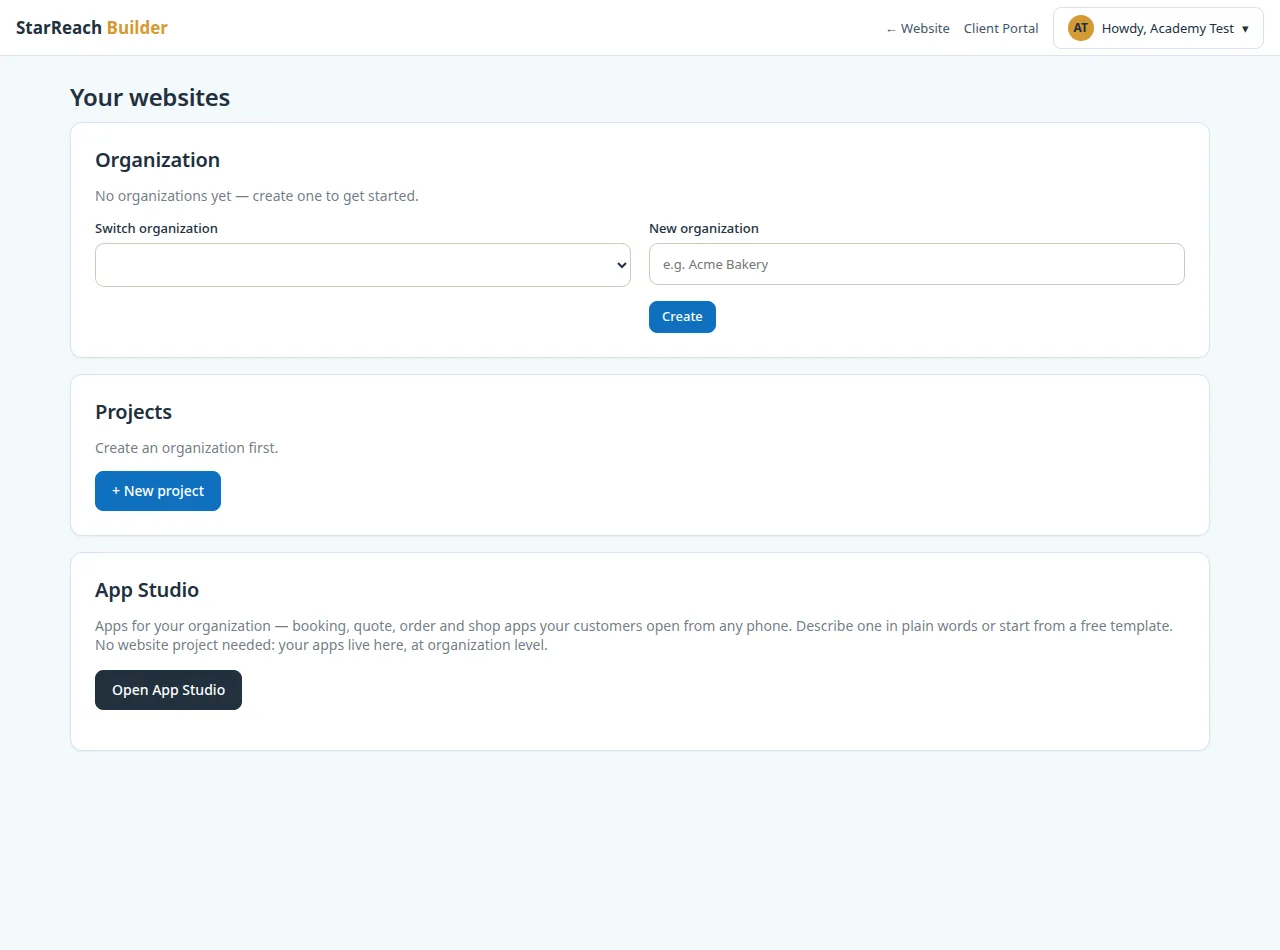
Step 3 — The Builder home on your first sign-in: creating your organization starts the seven days. - What the seven days include. The trial gives you Starter-level access, and publishing is included: you can build a site, preview it, and put it genuinely live at its own name.starreach.ca address. This is not a demo with pretend content. The Projects area of your home page says it plainly: “No projects yet. Create your first one — it takes a minute.”
- Use the week on the real thing. Because everything carries over if you subscribe, spend the trial on real work: your actual words, your actual photos, your real services and prices. Pick a template or run the guided setup, preview the site on a phone, and publish it. A trial week spent polishing a site you keep is worth far more than a week spent testing with filler you will throw away.
- Mind the one limit that can surprise you. Plans cap the number of pages per website — five on the trial and Starter, fifteen on Growth. The cap is enforced when you apply a template: if a design has more pages than your plan allows, the Builder refuses it and tells you exactly that, naming both numbers. If that happens, choose a smaller template now and grow into the bigger one when you upgrade.
- What happens on day 8. When the seven days run out, the Builder shows a clear message: “Your 7-day free trial has ended. Pick a plan to continue building - no hidden fees.” Under the hosting terms, editing and publishing pause until you choose a plan — but your content and settings are kept exactly as they are, and choosing a plan restores full access. Nothing is charged automatically, because no card was ever taken, and a trial is offered once per business.
- Choose your plan under Upgrade. Open Upgrade in your project’s sidebar and you will see two cards. Hosting Starter, $29 a month: one website at a name.starreach.ca address, up to 5 pages, a contact form with a message inbox, an SSL certificate, and automatic backups. Hosting Growth, $59 a month: up to 3 websites, your own domain name, up to 15 pages per site, and the blog, collections, custom forms, donations, memberships and online shop, with the same contact form, SSL and backups. Each card subscribes with its Subscribe with card button.
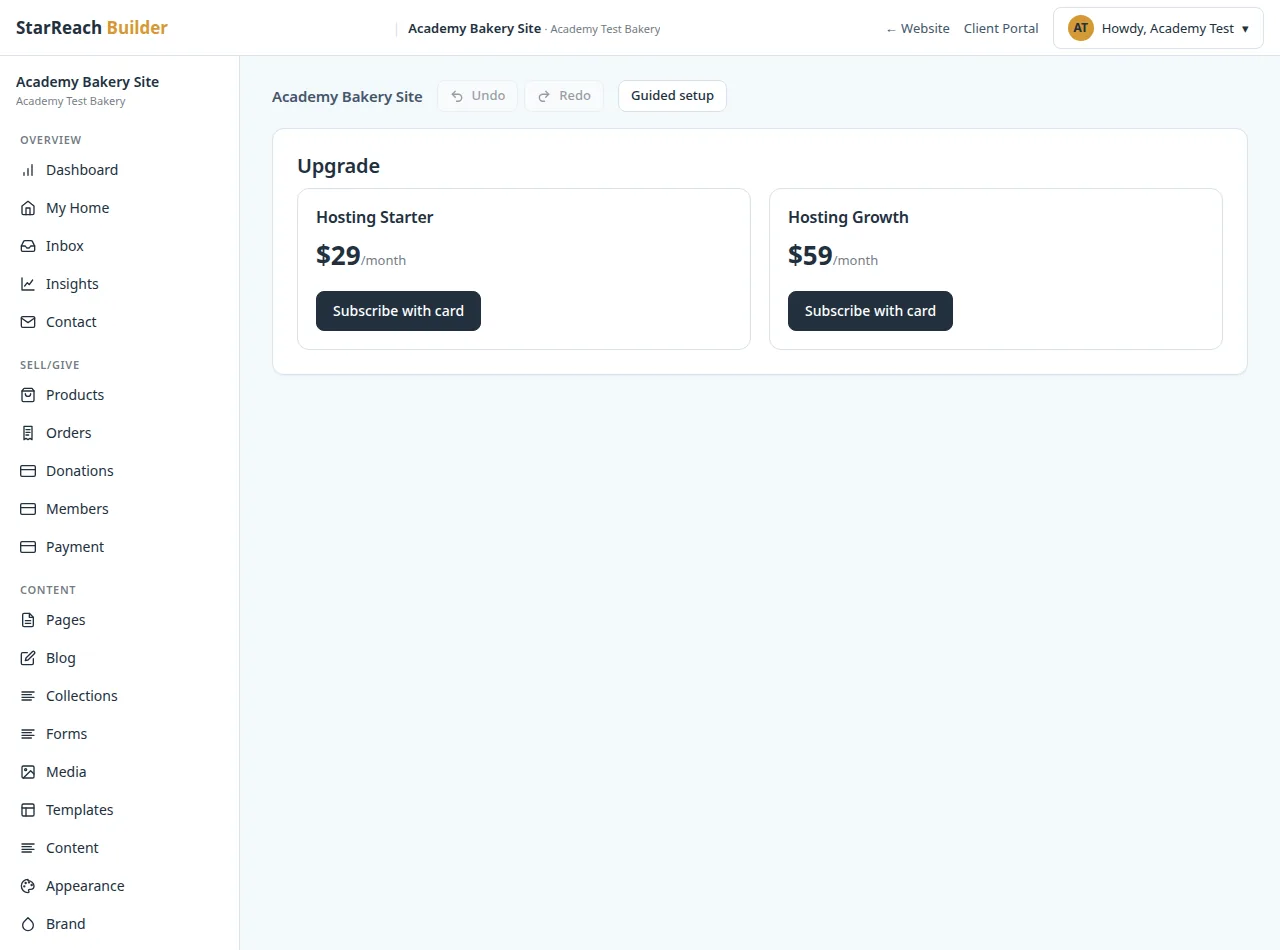
Step 8 — The Upgrade screen: the two plans a finished trial can move to. - After you choose, everything carries over. Every page, photo and setting from your trial is still there; your site stays live at its address. If you later cancel, there are no further charges and your site stays live until the end of the period you have already paid for. That is the whole arrangement: seven free days, a clear end, and a choice that is yours to make.
Try it now
Open the product and put this lesson into practice — it takes seconds.